Test Phones for a Living — Here Are 5 Things People Never Check Before Buying

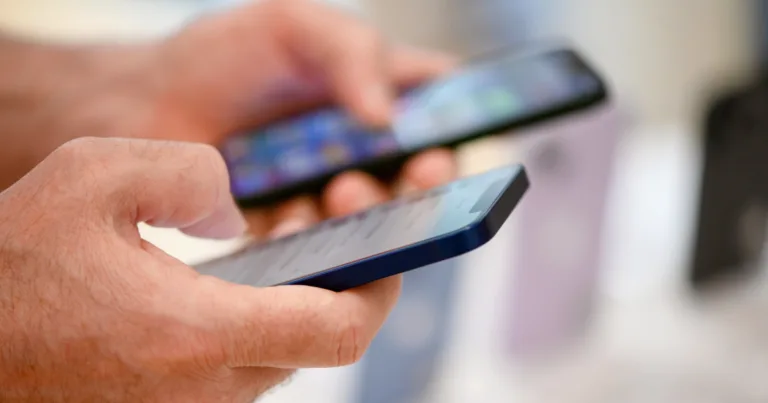
A shopper holds and compares two smartphones in a retail store, with more phones on display in the blurred background.

Comparing phones in-store, shoppers in 2026 are weighing battery life and long-term value more than sticker price.

// Five overlooked checks that decide how a phone feels in year three
Christian de Looper
Jul 31, 2026
Icon Time To Read5 min read
Icon CheckEdited ByKelly Huh

I've tested a lot of phones, and I've had a lot of friends and family buy phones for themselves. Typically, phone buyers focus on a few things: camera specs, screen size, and so on. That makes sense, but what they often skip is the boring stuff that can actually make a big difference in how good the experience of using the phone is, or if it's usable in the first place.

According to Reviews.org's Smartphone Lifespan Report, Americans keep their phones for around 29 months on average, even though on average users upgrade at around 16 months, so it makes sense to look for a device that's at least going to last a few years.

That gap between how long you think you'll keep a phone and how long you actually do is where buyer's remorse comes in. The same data shows the top reasons people upgrade are wanting faster performance (22%) and battery issues (18%) — in other words, phones that stopped feeling good, not phones that broke.

Here are the five checks that prevent that, and that almost nobody does before buying.
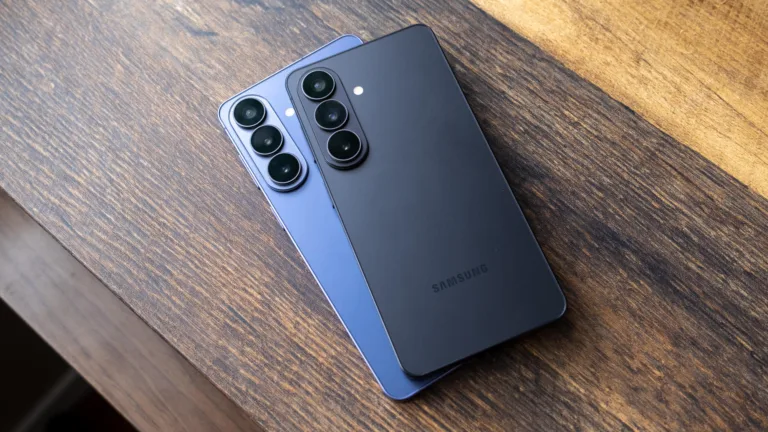
Reviewer using multiple smartphones, examining battery health and software settings on each device.

Before buying a used phone, make sure you run a phone through the checks that could dramatically change the experience of using the device. Image courtesy of Christian de Looper, Reviews.org

1. Check the phone's software support window, not just the version

Many shoppers check what version of iOS or Android a phone ships with, but almost nobody checks how long the manufacturer will keep updating it. This is arguably the single strongest predictor of how long the phone stays fast, secure, and compatible with new apps. A phone that stops getting security patches becomes a liability long before the hardware actually dies.

Support windows also vary wildly. Google and Samsung now promise seven years of OS and security updates on their flagships (though only for newer models), and Apple has historically supported iPhones for six or more years without ever putting a number on it. 

Plenty of budget brands, meanwhile, still cut off support after two years — and that shorter window is often the hidden trade-off in a suspiciously cheap phone. TechAdvisor's guide to the specs that actually matter makes a similar point, and it's one worth internalizing. Before you buy, look up the manufacturer's stated update policy, and for a primary phone, I'd recommend getting four years of support at minimum.

2. Make sure the phone actually plays nice with your carrier and data habits

Buyers tend to assume that if the box says 5G the phone will work on their network. It's more complicated than that. Carriers rely on different 4G and 5G frequency bands, and some affordable or imported phones simply lack the bands your carrier depends on — which translates to weak indoor coverage or slow data in exactly the places you spend your time. 

Consumer Reports' buying guide flags carrier compatibility as one of the first things to verify, and I'd go further. Check whether the phone is whitelisted for VoLTE and Wi-Fi calling on your specific carrier, because a phone that technically connects but can't do Wi-Fi calling is a miserable experience in a house with bad reception. eSIM support is worth confirming too, since carriers are increasingly moving toward eSIM-only activation.

There is, of course, a lot less risk if you buy a phone directly from your carrier. Carriers only sell phones that have been pre-vetted, and you'll probably be fine. 

Most of the time, the not-so-pleasant surprises show up with unlocked budget models, imported phones, and used devices from other countries.

3. Look beyond battery capacity to real-world battery health and charging

Battery problems are the second-most common reason Americans replace a phone, just behind performance. And yet shoppers still treat battery as a single number on a spec sheet. That number is close to meaningless on its own. Screen brightness, refresh rate, modem efficiency, and background software can make a 4,500mAh battery feel completely different across two brands, which is why "all-day battery" claims vary so much in practice.

Don't take the manufacturer's word for it — look up independent endurance tests with actual screen-on time figures. In my testing, two phones with identical capacities have differed by hours of screen-on time. The spec sheet told me nothing.

Charging deserves attention too. Ultra-fast charging at 100W and up is convenient, but it can accelerate long-term battery degradation if the software isn't managing heat well. For used phones, battery health is another check that often gets skipped most. On an iPhone it's right there in Settings; on Android you may need a diagnostic app. Below about 85% health, either walk away or knock the cost of a battery replacement off the price. And if the phone shows swelling, inconsistent charging, or sudden shutdowns, walk away regardless of the discount.

4. Don't skip repairability, warranty support, and total cost of ownership

Nobody thinks about repairability until the day they drop the phone. But with ownership windows stretching past two years, how fixable a phone is has become a crucial piece to how expensive it actually is. Phones with glued-in backs, sealed batteries, and proprietary screws cost more to repair — sometimes dramatically more. iFixit publishes repairability scores for most major phones, and it's worth two minutes of your time before buying. It's also worth pricing out the common repairs in advance, especially for fragile glass-backed flagships where a back panel replacement can run a couple hundred dollars.

Parts availability follows popularity. iPhones and mainstream Samsung and Google flagships have abundant parts and plenty of independent shops that can fix them cheaply and fast. A niche or off-brand phone might be practically unrepairable outside the manufacturer's own mail-in service, if that even exists. Check whether the brand sells official parts or has authorized service centers anywhere near you. If you're buying used, ask about repair history too — a non-OEM screen or a resealed back can compromise water resistance and display quality in ways you won't spot in a five-minute inspection.

That said, sealed designs exist for a reason. A tightly glued phone often earns a better IP rating, and dust and water resistance is a big benefit for a lot of people. And if you're buying a $250 budget phone, repairability matters less — a major repair might cost nearly as much as a replacement anyway.

5. Buying used? Run a full health and fraud check, not just a visual scan

The used and refurbished market is a legitimately good way to save money, but too many buyers treat used phones like used furniture — if it looks okay, it must be fine. A phone can look pristine and still be blacklisted, locked, water-damaged, or running a battery on its last legs. Before money changes hands, run through the full list:

  • IMEI status. Verify the phone isn't reported stolen, blacklisted, or tied to unpaid carrier bills. Carrier tools and third-party IMEI databases make this a two-minute check.
  • Activation locks. iPhones can be locked to the previous owner's Apple ID, and Android has similar protections. If the seller can't demonstrate a clean, fully signed-out device in front of you, that's a hard no.
  • Water damage and repair history. Internal moisture damage and sloppy aftermarket repairs won't show up in casual use, but they'll shorten the phone's life.
  • Functionality tests. Camera, speakers, microphone, GPS, vibration, Wi-Fi, Bluetooth, and biometric unlock. All of it, quickly, before you pay.

Meet somewhere with Wi-Fi and power so you can actually run these tests, and consider working from a structured checklist — second-hand iPhone checklists exist precisely because people forget things under pressure. 

If that all sounds like more diligence than you want to do, buy certified refurbished from a carrier or a reputable refurbisher instead. You'll pay a bit more, but the device has been inspected and usually carries a warranty, which does most of this work for you. There's an argument for accepting risk on a truly steep bargain — an older flagship cheap enough that a future repair still beats buying new — but go in with your eyes open.


Found this useful? Follow Reviews.org on Instagram, Facebook, LinkedIn, or catch us on YouTube

You can also add us as a preferred Google search source for the latest in tech and home services.

Christian de Looper
Written by
Christian de Looper is a technology journalist based in sunny Santa Cruz, California. Christian has over 10 years of experience covering all aspects of the consumer tech industry, with bylines in Digital Trends, Tom’s Guide, Forbes, CNN Underscored, PCMag, and more. When he’s not obsessing over the latest and greatest tech, he can be found hanging out with his family or trying and failing to train his cat.

Related Articles

A shopper holds and compares two smartphones in a retail store, with more phones on display in the blurred background.
Test Phones for a Living — Here Are 5 Things People Never Check Before Buying
Comparing phones in-store, shoppers in 2026 are weighing battery life and long-term value more than...
Comic-style "AI?" text explosion graphic on an orange background.
AI-Generated Animation is Coming—And It Could Cut Production Costs in Half
As AI takes on more of the animation production process, the question isn’t just how...
Customer paying by phone at a shop card reader, with a speech bubble showing the T-Mobile for Business logo.
How to Use 5G Business Internet for Network Failover and Uptime (2026 Guide)
5G business internet adds a network failover layer with static IP options for uptime and...
Best Free Fire TV Apps in 2026: 6 Expert Picks Beyond the Amazon Paywall
Best Free Fire TV Apps in 2026: 6 Expert Picks Beyond the Amazon Paywall Expand...