
Getting hacked is painful; follow these steps to take back control.
Did You Just Get Hacked? Here’s What to Do in the Next 10 Minutes

 3 min read
 Edited ByKelly Huh
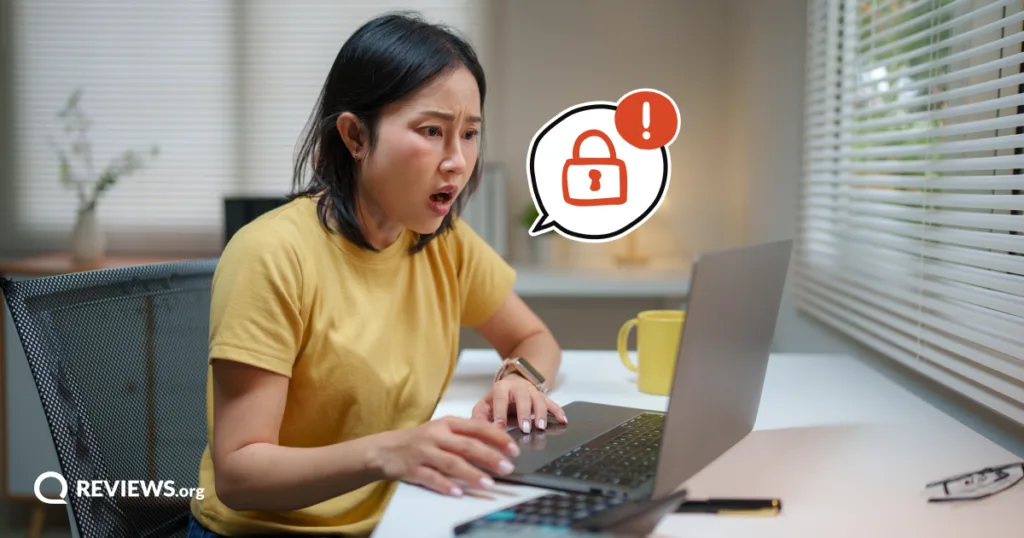
You receive an email notifying you that a password reset request has been made on your account. Worse yet, you’re suddenly locked out of your account. An all-too-familiar feeling follows: you get a pit-in-your-stomach uneasiness that something is amiss.
I can relate. Getting hacked is never fun. It happened to me several years ago and resulted in $4,500 worth of fraudulent charges on my business credit card. The situation can be stressful, but random actions make it worse.
Continue reading to learn what to do immediately after getting hacked to protect yourself.

Why you can trust us
At Reviews.org, our team takes its editorial independence seriously. We may earn money when readers click affiliate links, but we don't work for our brand partners, and they don’t approve our pieces before publication. To learn more, visit our About us page.

My name is John Schmoll, and I’m a journalist who has tested TV platforms and online security for over a decade. I’ve also been personally impacted by a hacker. I know that getting hacked makes you feel violated and it’s important to take swift action to secure your accounts and finances. Reviews.org has performed surveys on online safety and knows how Americans prioritize protecting their digital lives and has extensively tested various platforms you can use to protect yourself against hackers.

Reviews.org
Disconnect the compromised device
Upon discovering an account is compromised, it’s natural to feel afraid. The first thing to do if you get hacked is to pause, take a deep breath, then disconnect the impacted device. Don’t overreact, reuse old passwords, or keep using the affected device. Any of these actions can play into the hacker's hands.
It’s an understandable knee-jerk reaction to change your passwords, but you may inadvertently notify the hacker that you’re aware of the hack and play into their hands.
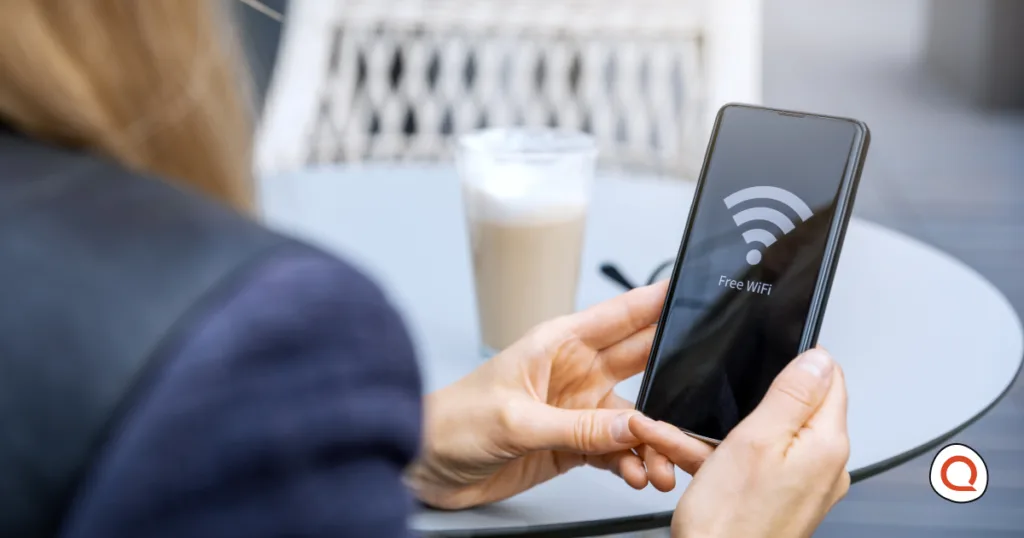
Tony Sabaj, an engineering director at a cybersecurity firm, stressed that disconnecting your impacted device is key. “Remove the laptop from your Wi-Fi network or disconnect it from your network. Remove your cell phone from Wi-Fi and turn on airplane mode.” The latter is particularly important if you suspect your mobile device has been compromised.
The reasoning behind disconnecting devices is simple: You want to eliminate the hacker's access to your device. That’s an important first step in reclaiming your digital life.
Safeguard your primary account
Having a recovery plan is vital after being hacked. The FTC says to start with your primary email account, as many Americans use that to manage much of their online life.
Scott Doerr, who has 26 years of experience in executive cybersecurity, IT, and risk leadership, explains why. “An attacker who controls your email may be able to reset passwords for banking, social media, shopping, cloud storage, and other accounts,” noted Doerr. Don’t do it from the compromised device. “...Force sign-out of all existing sessions, review recovery email addresses and phone numbers, remove unknown devices or applications, and enable strong multifactor authentication (MFA),” explained Doerr.
That still may not be enough. You may also want to promptly protect your phone. “The most important thing to focus on is securing your phone number, your phone carrier account, and making sure that no one else can receive your texts,” argued Dustin Sandlin, a cybersecurity expert who offers online tech support services.
It seems odd, but the reasoning is clear. “If a criminal convinces your carrier to move your number to their SIM card or another provider…they may receive your calls and texts, including login codes for email, banking, and other accounts,” suggested Sandlin. If you can, protect your primary account and phone simultaneously to protect accounts after being hacked.
Kick out the attacker
Securing your accounts after a hack involves more than protecting your primary account and resetting passwords. After that, it’s time to remove the hacker. Assuming the hacker is still signed in through their device, they can keep wreaking havoc.
“If they already have an authenticated session or have established another way back into the account, changing the password may not remove their access,” noted Doerr. Visiting your account’s security settings can help you remove the attacker. Remove anything that doesn’t look right, such as trusted devices, connected apps, or active sessions to protect yourself. This includes verifying your recovery email addresses and phone numbers, according to the FTC. If something doesn’t look right, remove it.
Don’t stop there, though. You want to verify that the hacker hasn’t set up email forwards as part of their activity. “Make sure the attacker hasn't established persistence through things such as email forwarding rules,” argued Doerr. Doing this is essential to removing the hacker. Protecting your money and other high-risk accounts is next.
Protect your finances, high-risk accounts, and others
After securing your online accounts, secure anything financial. This includes bank or brokerage accounts, credit cards, payment apps, or anything else tied to your identity.
Many financial institutions offer fraud prevention, but not all do. If yours doesn’t, contact them via a known phone number to alert them to the hack. They may direct you to create a new strong password, set up MFA, or some other form of authentication to secure the account.
Review account activity to determine if any transactions have taken place. Don’t just look for large withdrawals. Some hackers may make smaller transactions to see whether they can access the account. Freezing your credit may also be prudent if you can't verify its safety, according to the State of New York.
Finally, review your email and social media accounts to identify if the hacker has used them to spread their reach. Sandlin explains why. “... It's not just your account but the contact list inside of your accounts that the hackers are after…this is how hacking usually spreads, through our very own contacts, friends and family,” argued Sandlin. Doing this can help stop the cycle.

Frequently asked questions (FAQ)
What is the first thing to do when you get hacked?
Disconnecting the impacted device from accessing the internet is the first thing you want to do after getting hacked.
Can a hacker see everything you do on your phone?
No, a hacker can’t necessarily see everything you do on your phone, but they can possibly gain access to personal information through various channels.
Is changing my password enough after I’ve been hacked?
No. It’s insufficient, as hackers may have already created an authenticated session or established other ways into the account.

Related Articles
Did You Just Get Hacked? Here’s What to Do in the Next 10 Minutes
Getting hacked cost me $4,500 in fraudulent charges. Here's what to do immediately after getting...

Your Mom Could Save $50/Month With This One Trick
Cut down your monthly phone bill by switching to a more affordable carrier that offers...
GFiber (formerly Google Fiber) Internet Review: My Honest Experience After Two Years
Google Fiber offers fast download speeds at an affordable price, so what’s not to like?...

What Age Should Your Kid Get a Phone?
When should you get your kid a phone? A smartphone? A social media account? Find...



