
TP-Link proves, once again, that great mesh WiFi performance doesn't have to cost thousands of dollars.
TP-Link HB210 Pro review: Pro performance, budget price
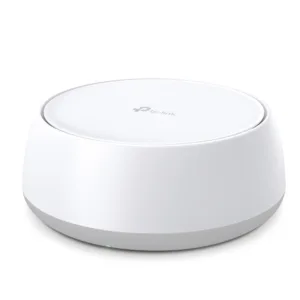
TP-Link HB210 Pro

WiFi type
Dual-band WiFi 7 (shared 3,600Mbps speeds)
Ethernet ports
2x 2.5Gbps (per unit)
Networking type
Mesh WiFi system (FTTP, HFC, FTTC, FTTB, FTTN)

 7 min read
We may earn money when you click our links.

 Very competitively priced
Straightforward setup
Great multi-unit performance
Very competitively priced
Straightforward setup
Great multi-unit performance 
 Mixed results for single-unit performance
Sluggish 2.4GHz performance
Minimal ports per unit
Mixed results for single-unit performance
Sluggish 2.4GHz performance
Minimal ports per unit Despite its modest size, my apartment is great for testing network equipment specifically because of its anti-coverage design. The telephone outlet is at one end of my apartment, not the middle. The back part of my apartment is separated from the primary networking gear with thick interior walls. And getting a signal outside is sometimes challenging because of even thicker external building walls.
What this means for network testing, though, is performative equipment – particularly routers (and other networking gear) that do a job of eliminating WiFi dead spots – quickly rise to the top even during initial testing. In 2024, the TP-Link HX510 achieved what I thought was impossible: offering excellent performance with a single networking unit in a compact chassis. Fast forward to 2026, and the TP-Link HB210 Pro is a worthy HX510 mesh WiFi successor with similar promise.
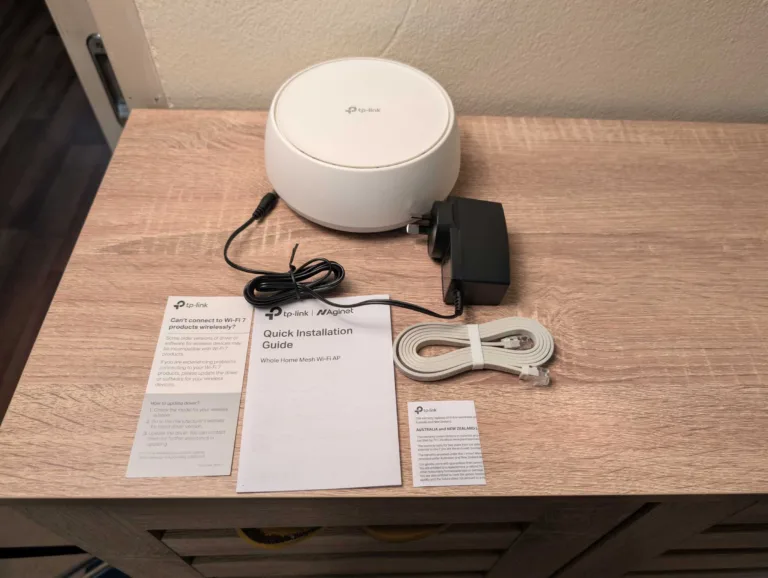
How much does the TP-Link HB210 Pro cost in Australia?
A competitively priced standalone or mesh WiFi extender (from $150).
Price-wise, the biggest con of the TP-Link HB210 Pro is it's seemingly relegated to specific providers: namely, MATE and SpinTel. With SpinTel, you can get one or two HB210s as an add-on with the admittedly lacklustre TP-Link VX230v modem-router for $279.95 (one unit) or $419.95 (two units). If you're a SpinTel NBN customer who doesn't use a home phone plan, I'd advise ditching the VX230v altogether and using the HB210 Pro instead. Alternatively, buy the HB210 Pro from the SpinTel store for $150 (single unit) or $280 (two-pack), which is fantastic pricing.
Even if you have a better experience with the VX230v than I did, it's still a WiFi 6 modem-router and the HB210 Pro is a WiFi 7 mesh WiFi system, so your network will be at the hamstrung by the VX230v's last-gen performance. MATE also offers the VX230v but lets you choose the HB210 Pro as an alternative for a very tidy $165 fee. It's a shame you can only get one unit, though, because the HB210 Pro performed best in my tests in a two-unit or three-unit configuration.
Comparatively, there is no cheaper WiFi 7 mesh alternative. The Amazon Eero 7 costs $299.99 RRP for a single unit, and the cheapest Netgear Orbi 370 is $459 RRP. If you want a retail-available alternative, consider the TP-Link Deco BE25, which starts at $249 RRP for a single unit but ups the max potential WiFi speeds from 3.6Gbps to 5Gbps.
And if you’re in the market for a new NBN plan, check out the popular picks below.
TP-Link HB210 Pro setup and configuration
A painless initial configuration that should have you online in under 10 minutes.
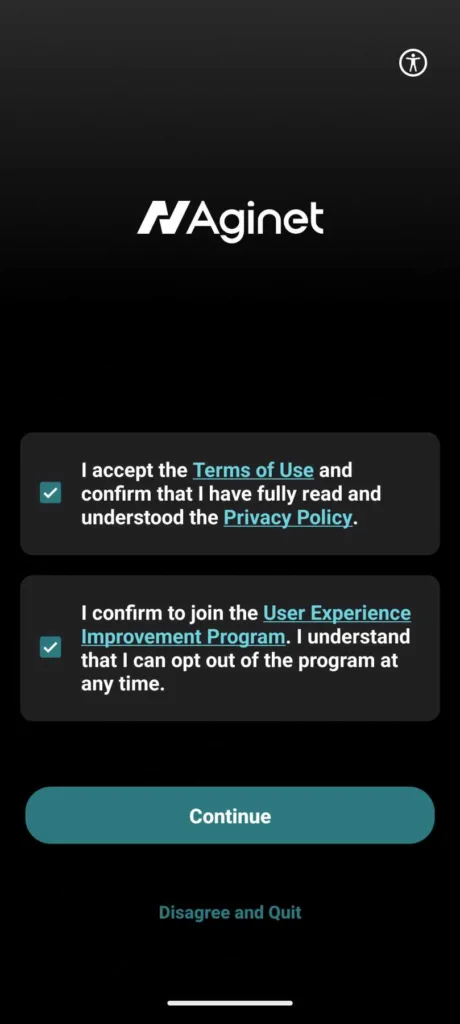

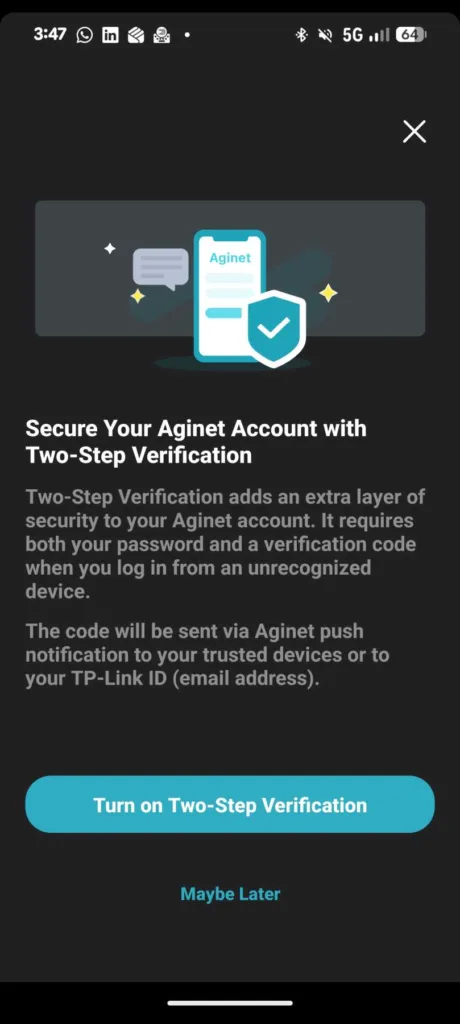
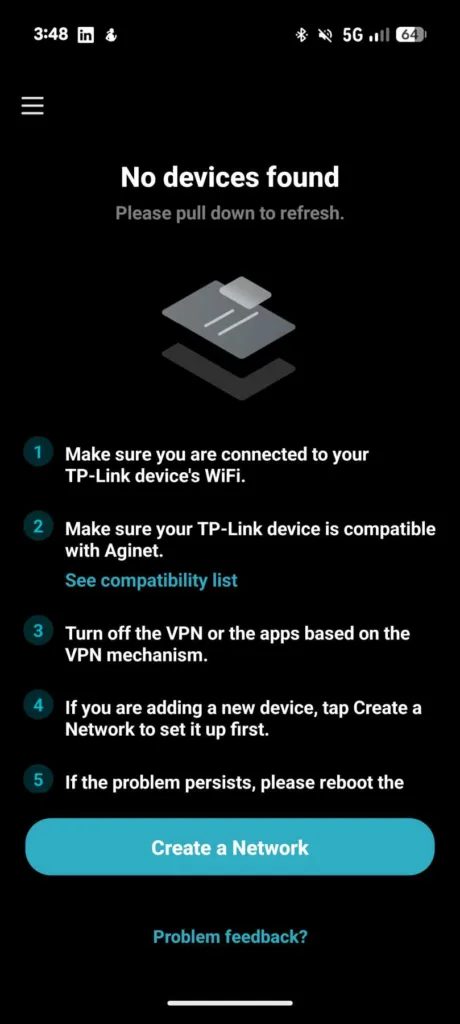
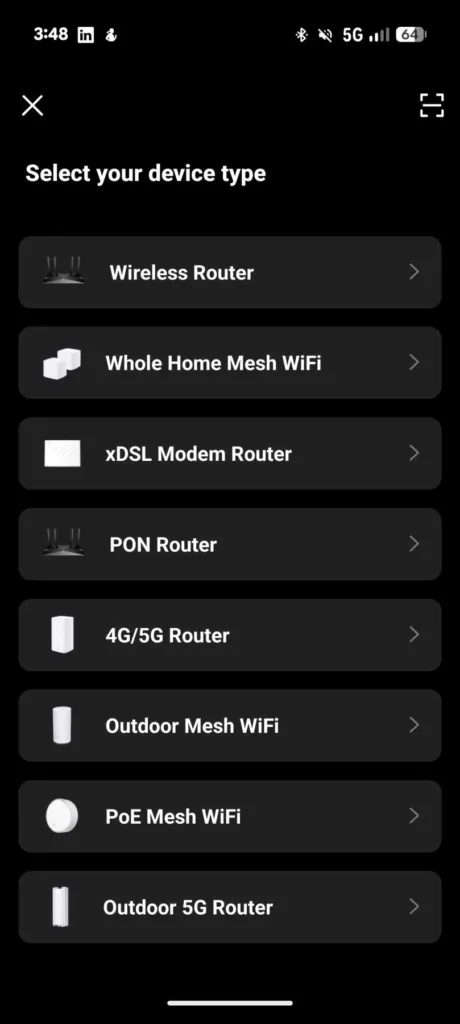
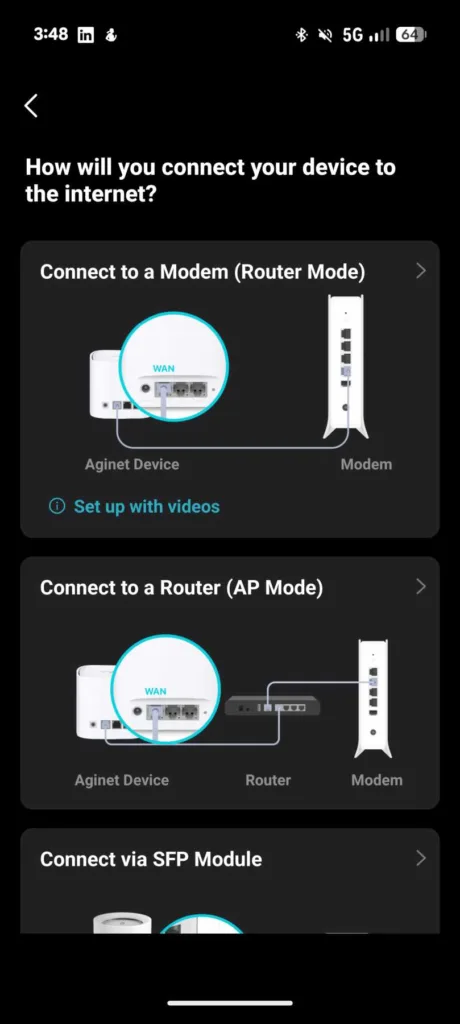
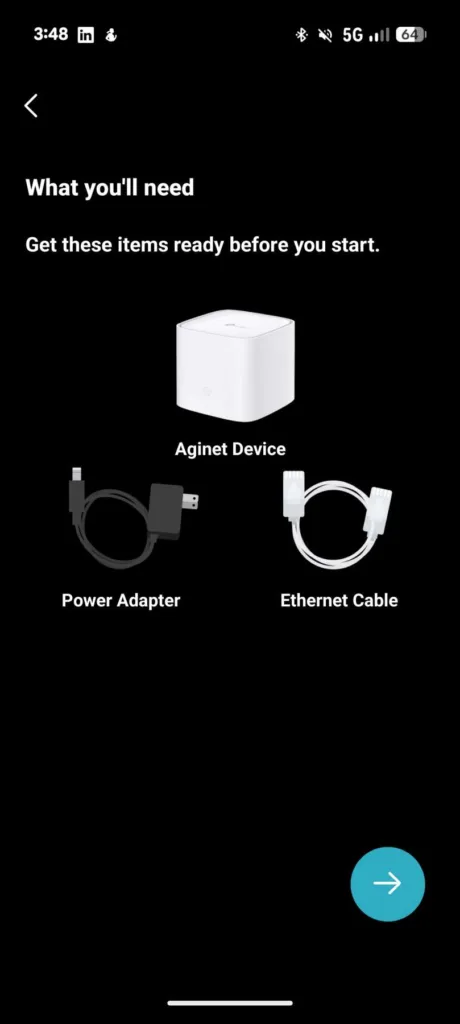
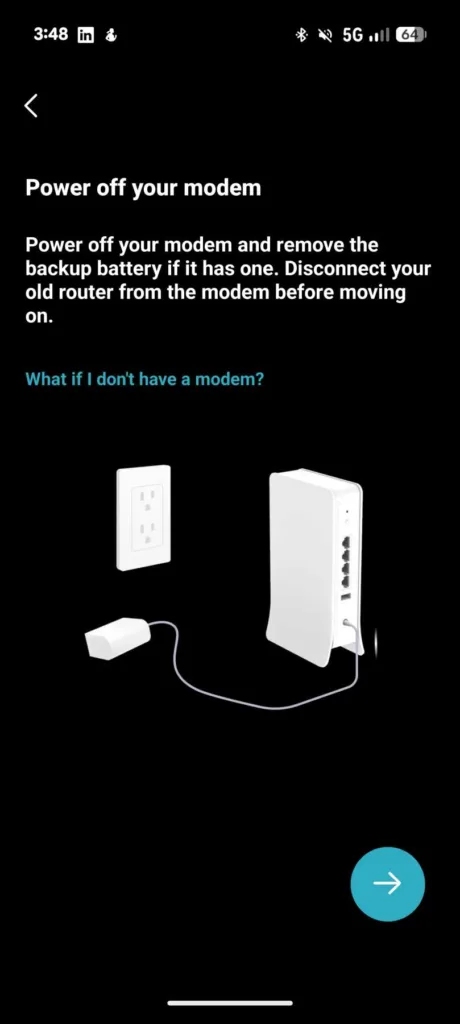
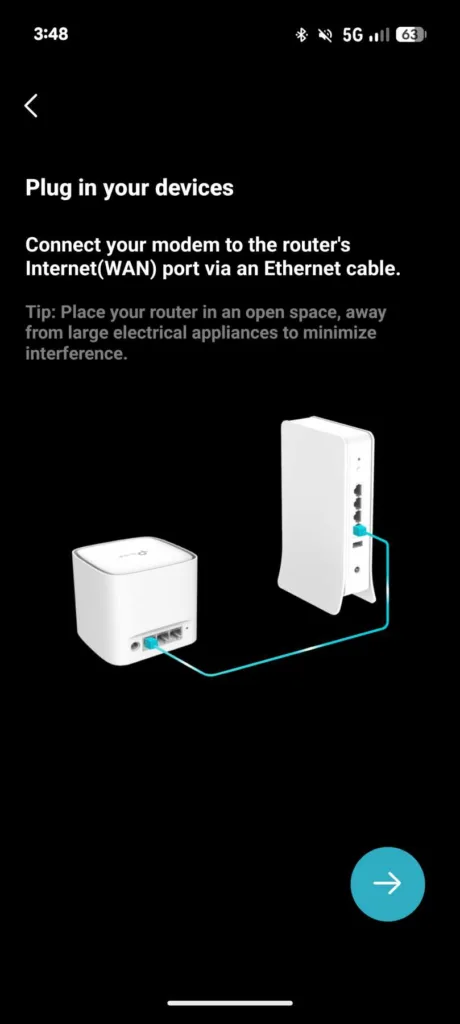
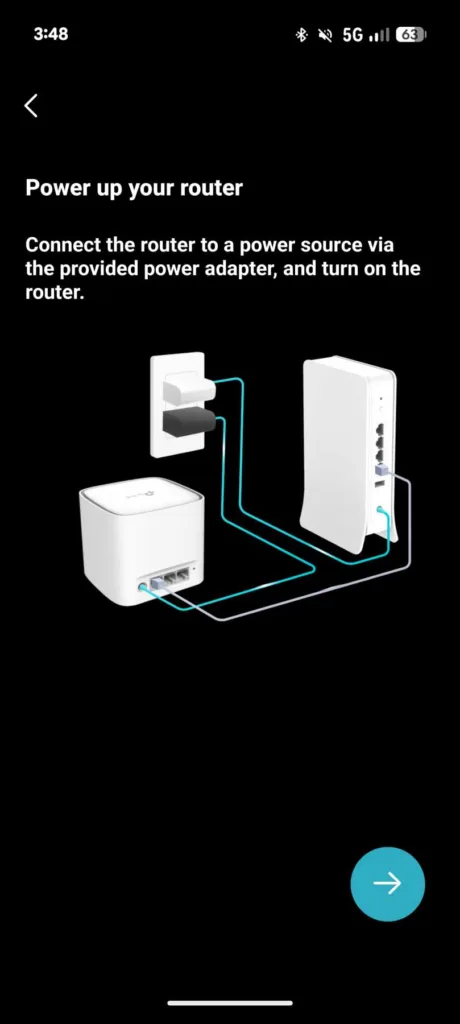
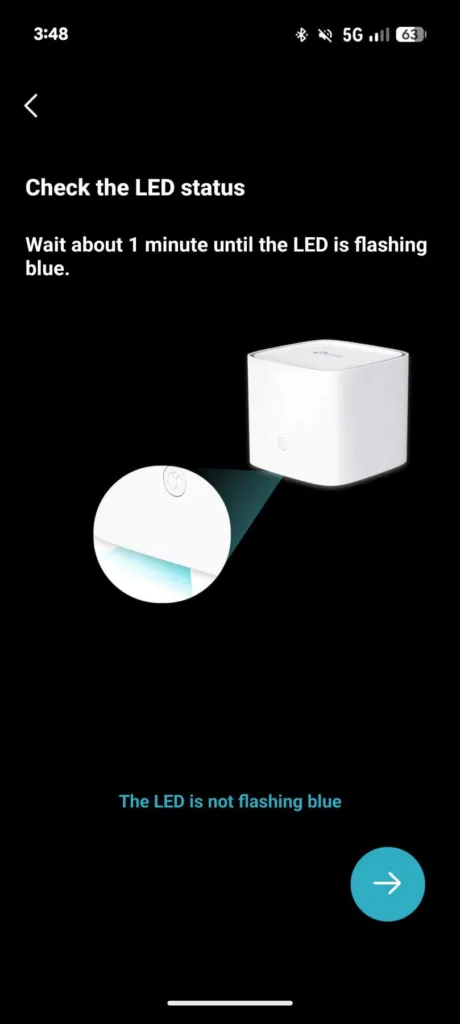
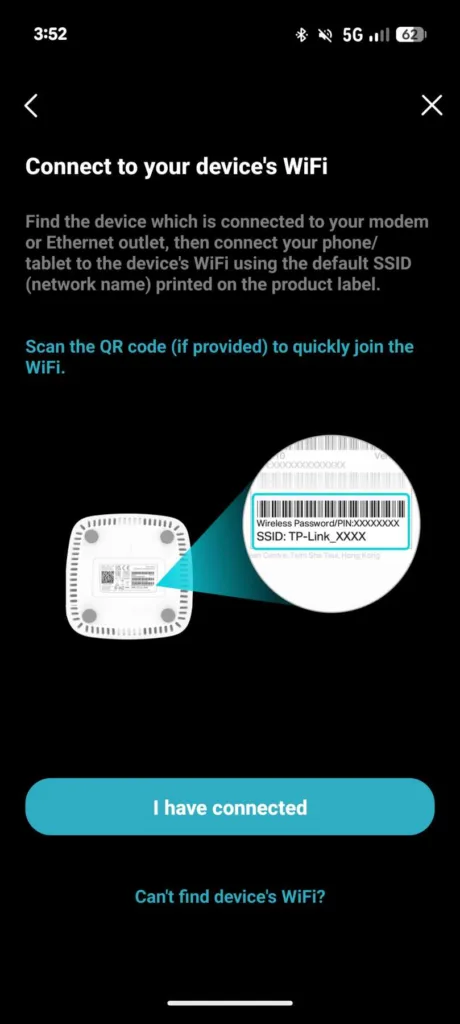
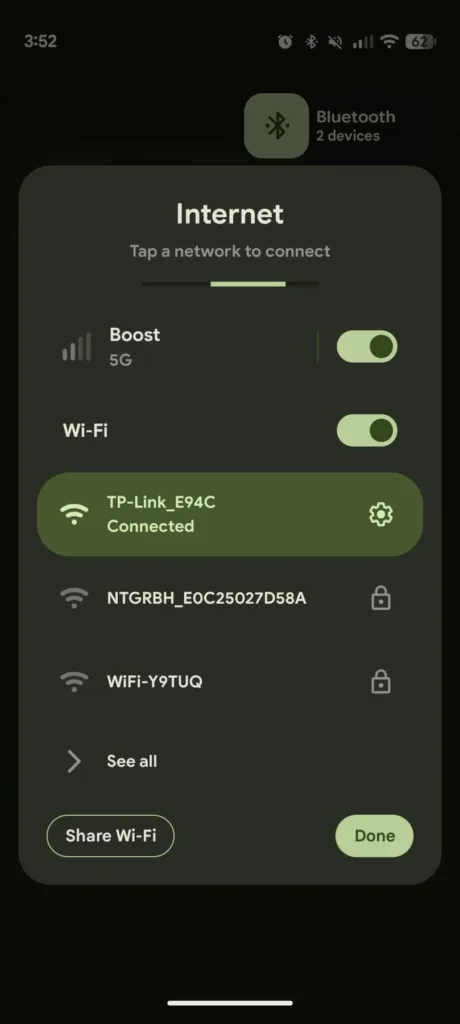
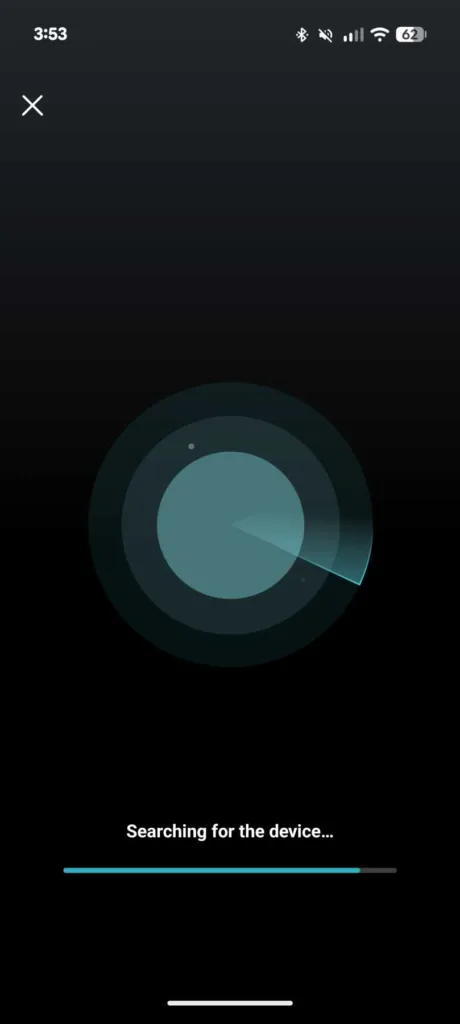
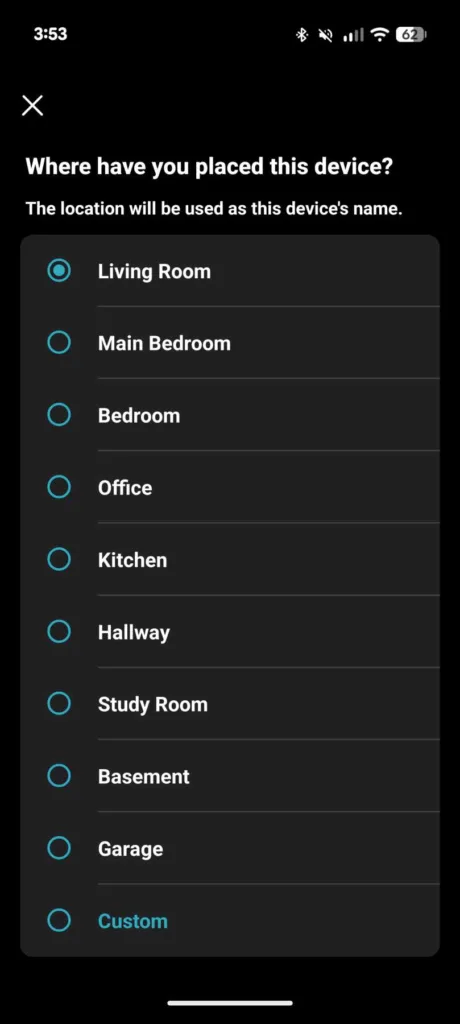
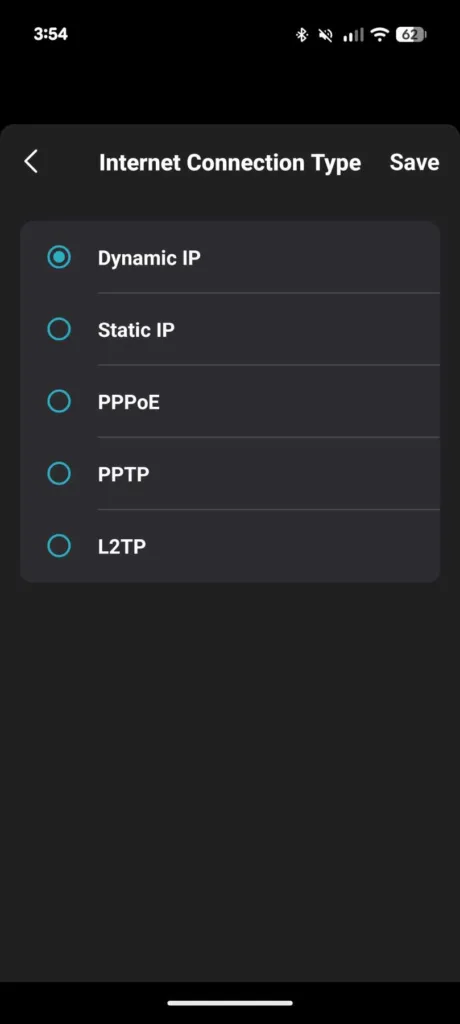
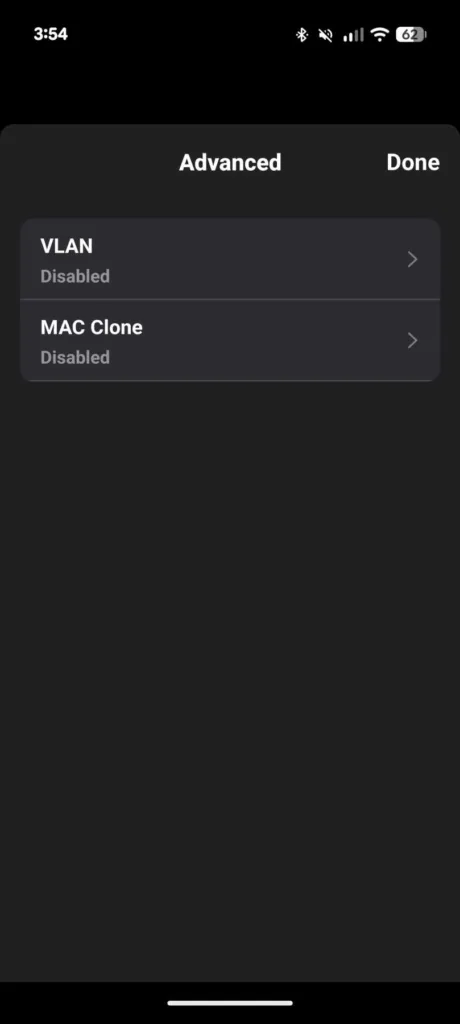


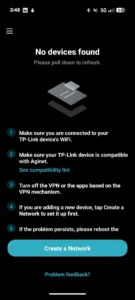
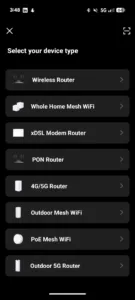
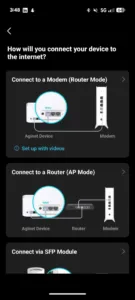
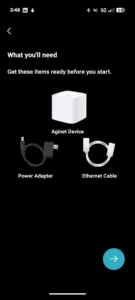
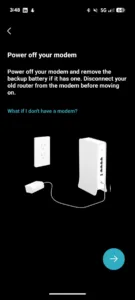
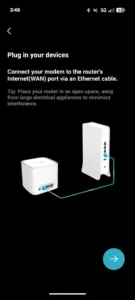
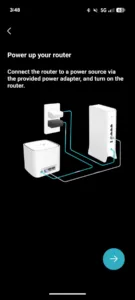

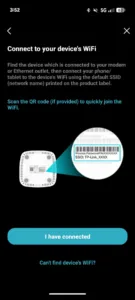
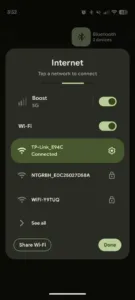

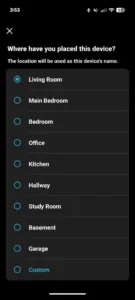
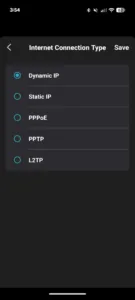
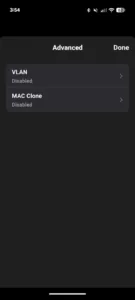
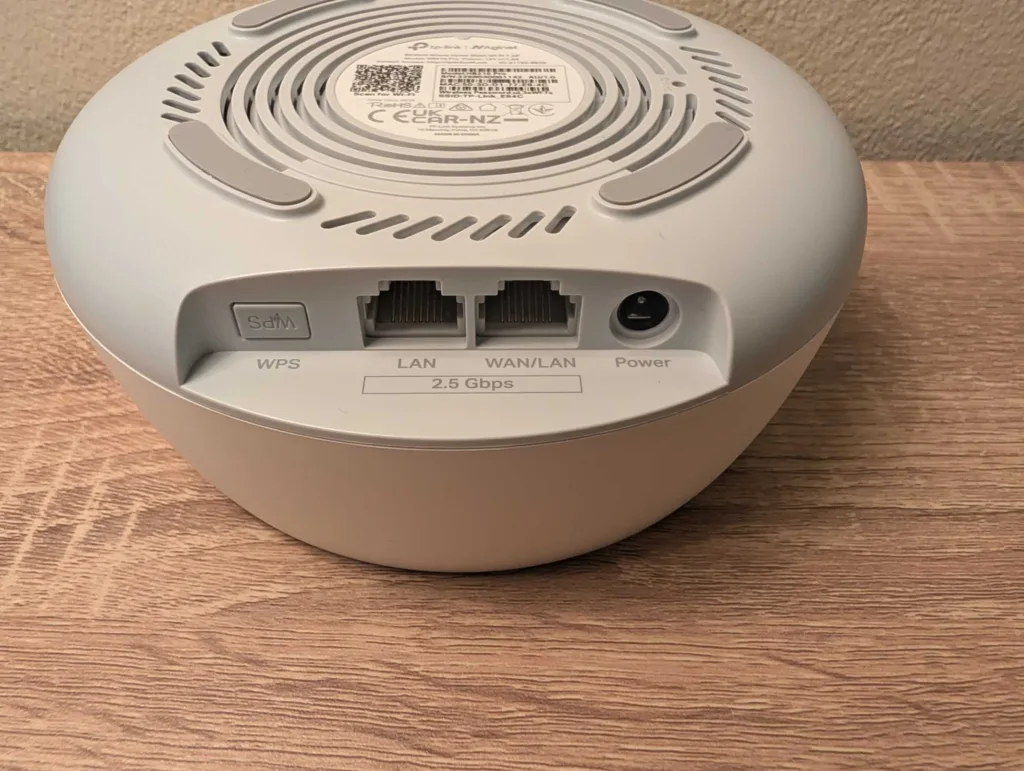
If you download the Aginet companion app before setup, you shouldn't have any issues getting online with the TP-Link HB210 Pro. Create an account, then tap on 'Create a Network' for guided setup. You'll be told which cables to connect, when to power equipment on, and you can even scan a QR code to connect to your new network's WiFi. About the only con is that QR code is located on the bottom of the HB210 Pro, so you'll have to flip it over once it's plugged in and powered on (which isn't ideal).
The Aginet app correctly identified my internet connection type, but you can manually select between IPoE or PPPoE if required, and there shouldn't be any need to tinker with advanced settings. I was online in under 10 minutes, then appreciated the prompt to create a new network name and password.
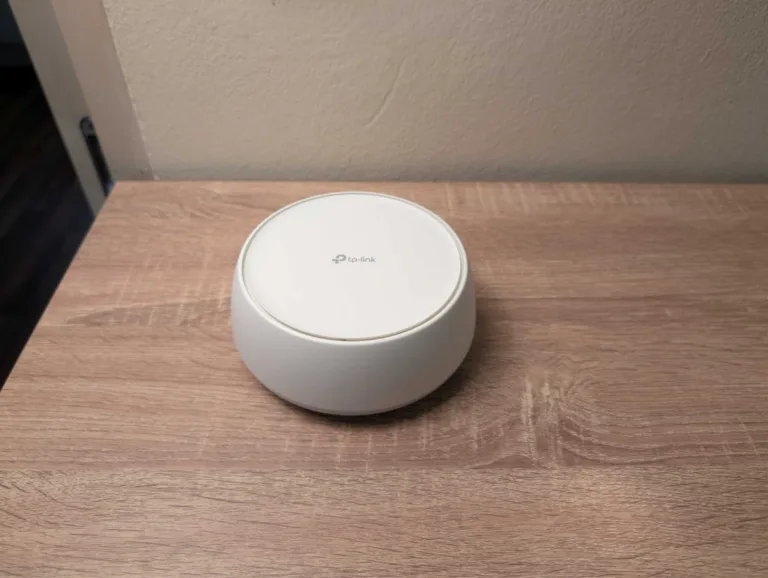
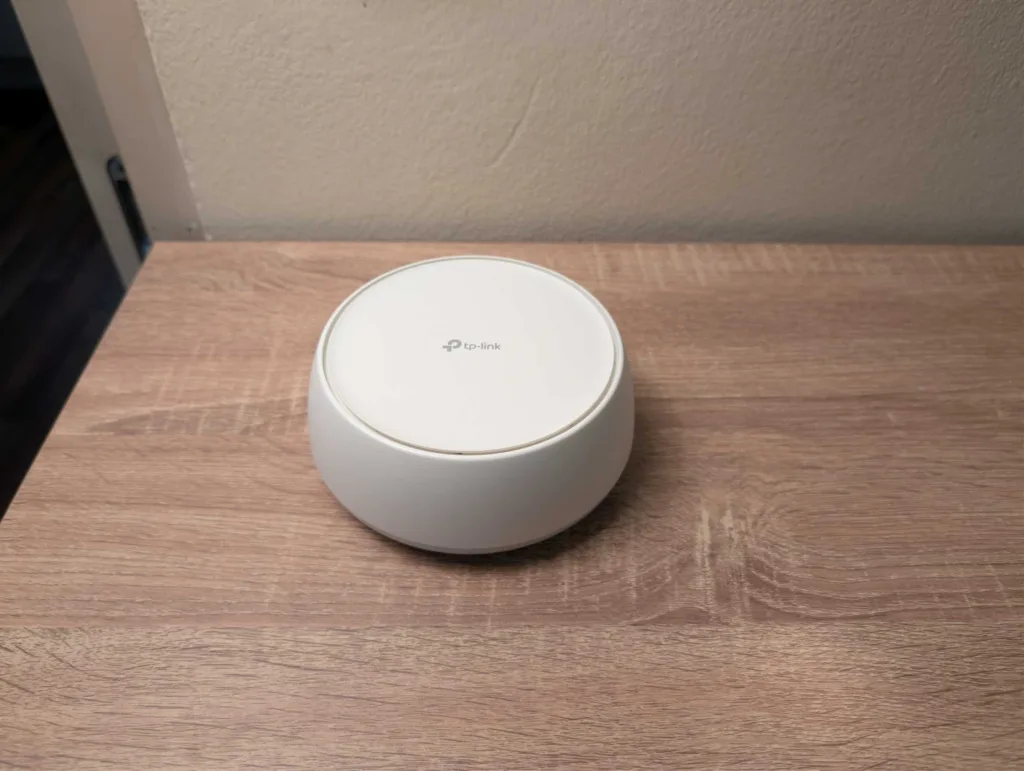
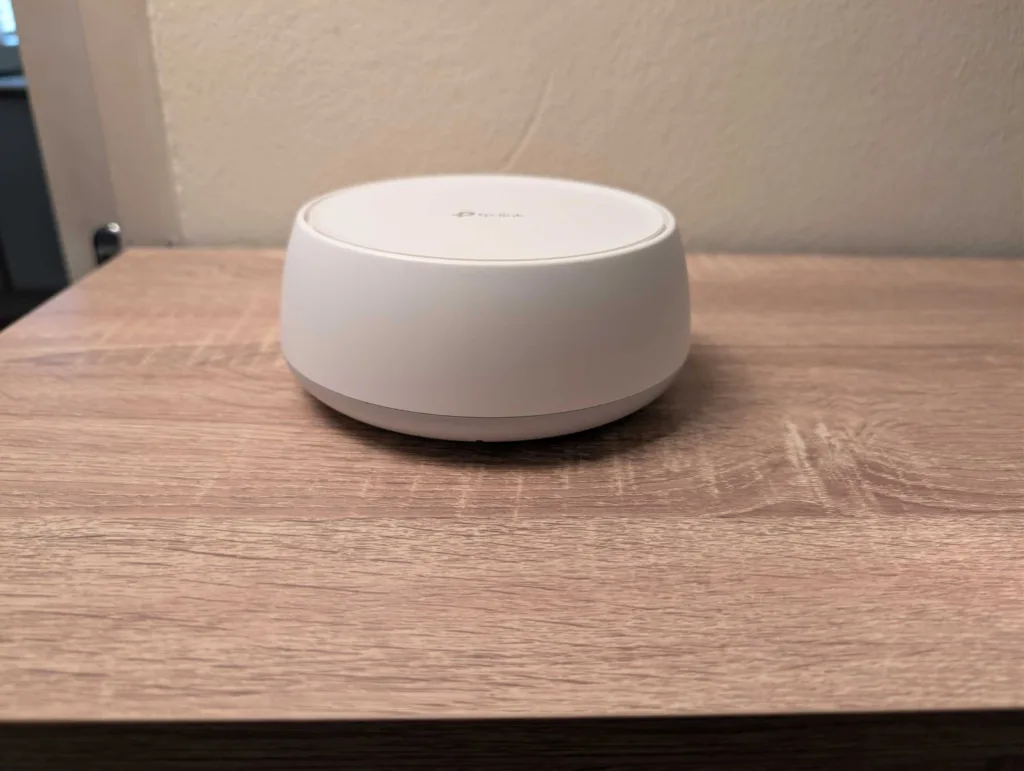
While the HB210 isn't as compact as its HX510 predecessor, it's hardly bulky. What you get is a CD-shaped design that's slim enough to pop almost anywhere, and there aren't any external antennas to draw attention to itself as networking equipment. There is a single LED on the front, but you can set daily timeout windows or turn it off entirely.
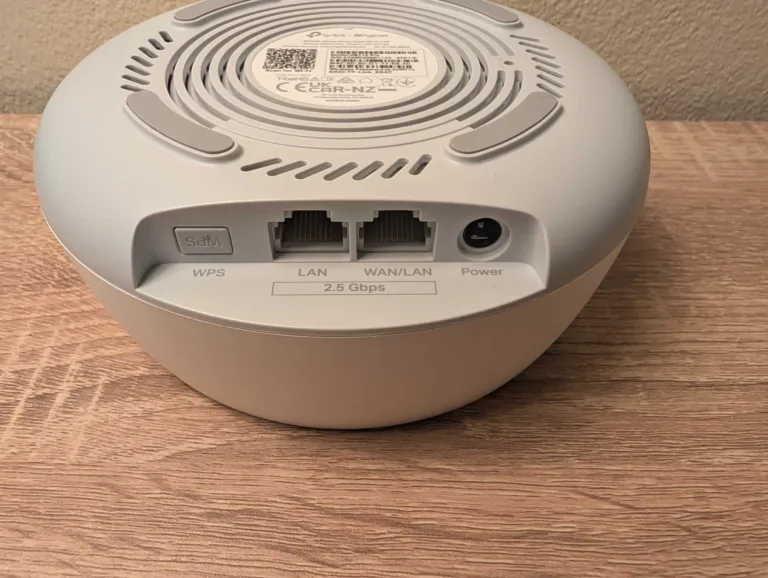
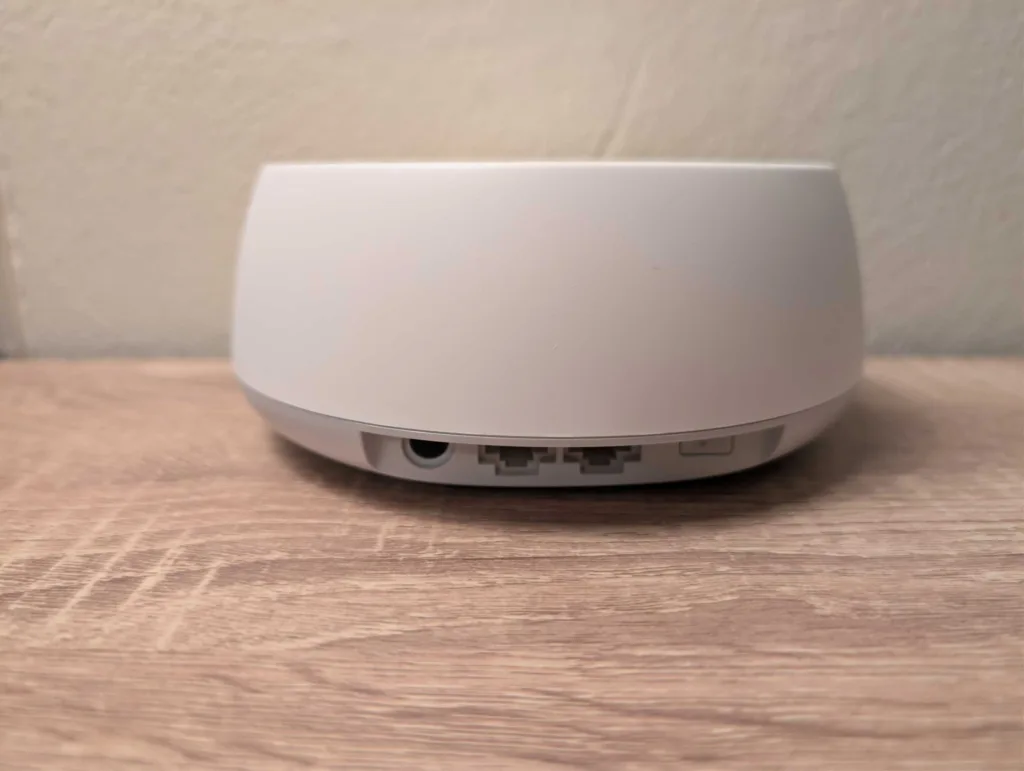
The HB210 Pro does follow the unfortunate 'less is more' approach of mesh WiFi systems in that it only has minimal ports. While the two 2.5Gbps Ethernet ports aren't auto-sensing (like the Eero line), they are marked as LAN and WAN/LAN. Use the WAN port to connect your primary HB210 to your NBN connection box.

What is TP-Link?
TP-Link is a multinational company that specialises in networking and smart home solutions. Consider TP-Link for smart home accessories, routers, modem-routers and WiFi mesh systems.
TP-Link HB210 Pro speed tests
No-disclaimers whole-home WiFi with two or more units.
I do internet speed tests right after initial configuration to gauge speed potential, not just overall but also relative to wired and wireless performance in different parts of my apartment. While the front part of my apartment typically never has WiFi issues, the back part has issues with any networking equipment that can’t penetrate thick walls. Given how well the compact TP-Link HX510 performed in my 2024 tests, I was expecting similarly impressive handling of WiFi dead spots with the TP-Link HB210 Pro.
All of my router internet speed tests are conducted with an Exetel NBN 100/20 FTTC apartment connection, using Ethernet for the first test then a Google Pixel 7 Pro for the WiFi tests. All of the tests below were performed in the afternoon. Lower numbers are best for latency (measured in milliseconds), while larger numbers are better for download and upload speeds (both measured in megabits-per-second). Use the top line of results in the tables as an idea of best-case speeds at that time of day, then every line below as comparative. Signal strength (according to the Pixel 7 Pro) is ranked from best to worst as excellent, good, fair and poor.
For comparison, here's how the Netgear Orbi 370 performed in tests a few weeks before I started reviewing the TP-Link HB210 Pro.
And here's how the HB210 Pro performed during speed tests at identical locations.
Even comparing single-unit tests, the HB210 Pro has a clear edge over the pricier Orbi 370 thanks to less of a reliance on the slower 2.4GHz band inside my apartment. Ideally, you want 5GHz coverage throughout the home for the fastest speeds, lowest latency, and a better wireless experience.
When I added a second HB210 Pro to my network, I had whole-home 5GHz WiFi coverage, including my typically WiFi-blocking study. Download and upload speeds were effectively comparable to the baseline Ethernet tests, and latency remained low throughout my home. It started to fall apart when I tested the HB210 Pro outside, which was a trend across one, two, and three-unit configurations.
If you're hunting for a mesh WiFi system that performs well outside as well as inside, the HB210 Pro may not be for you. But if you're like most internet users, seeking fast speeds and reliable wireless coverage inside the home, a two-unit HB210 Pro mesh WiFi system is great, and a three-unit version is even better.
TP-Link HB210 Pro performance and versatility
Seamless network expansion plus monitoring and tweaking via app or web portal.
Whenever you use a single mesh WiFi unit, it operates as a router. But mesh WiFi is built to be part of a system, wherein two or three units are the norm for creating a speedy home wireless network. Amazon and Netgear have straightforward solutions for adding additional units to a mesh WiFi system, but neither of those is as fast as the TP-Link HB210 Pro.
To add another HB210 Pro to your network, open the Aginet app and click the plus button in the top-right corner. Select 'Add Agent', power on your additional HB210 Pro, then scan the QR code. That's it. It took about one minute to follow these steps, then another minute for the additional HB210 to be recognised as part of the mesh network. Note that this may take longer if there's a firmware update to apply to additional units, but one wasn't available at the time of review.
The homepage of the Aginet app offers great at-a-glance info on the state of your network, including an overall rating, current download and upload speeds, and how many devices are connected to which HB210 Pro unit. Parental controls have a dedicated tab, though the Aginet isn't as good as the Netgear Orbi app at identifying devices, so you may need to do some trial and error.
If you like to tinker, there are more tools and settings to tweak in the 'More' tab. There's an inbuilt internet speed test, which is absolutely worth performing when no other devices are streaming or downloading. Why? Because Quality of Service (QoS) – a feature that intuitively handles priority internet tasks across devices – is disabled by default and requires manual input of your network's download and upload speeds. QoS mostly worked well in my tests, but there was the odd short-lived moment where streaming fidelity dipped as it adjusted to the network's download speed needs.
For more settings, log in to your HB210 Pro network via web browser with the 192.168.88.1 default IP address. You'll need to visit the web portal if you want to enable Multi-Link Operation (MLO): a WiFi 7 technology that lets WiFi 7 devices simultaneously connect to both of the HB210's WiFi bands. Strangely, this also creates a separate wireless network, which isn't as convenient as competitors that simply activate MLO on the same network for compatible devices. Even without MLO on, expect faster speeds (including outdoors) for WiFi 7 devices using the basic HB210 Pro network.
Is the TP-Link HB210 Pro worth buying?
An excellent NBN plan add-on at an affordable price.
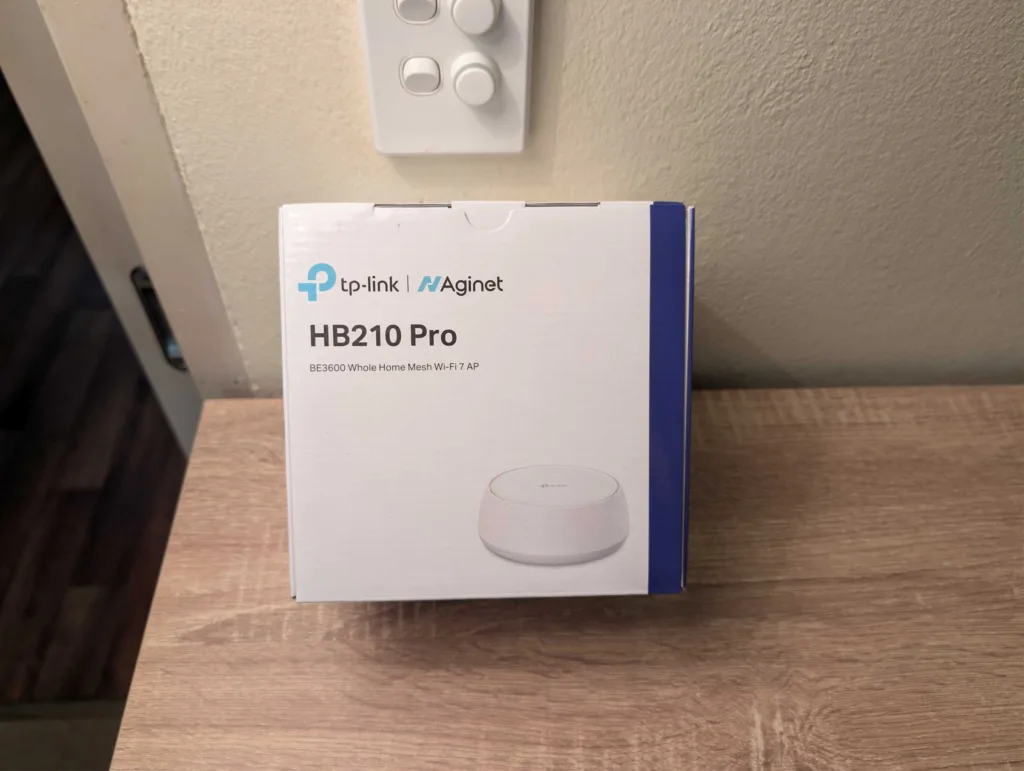
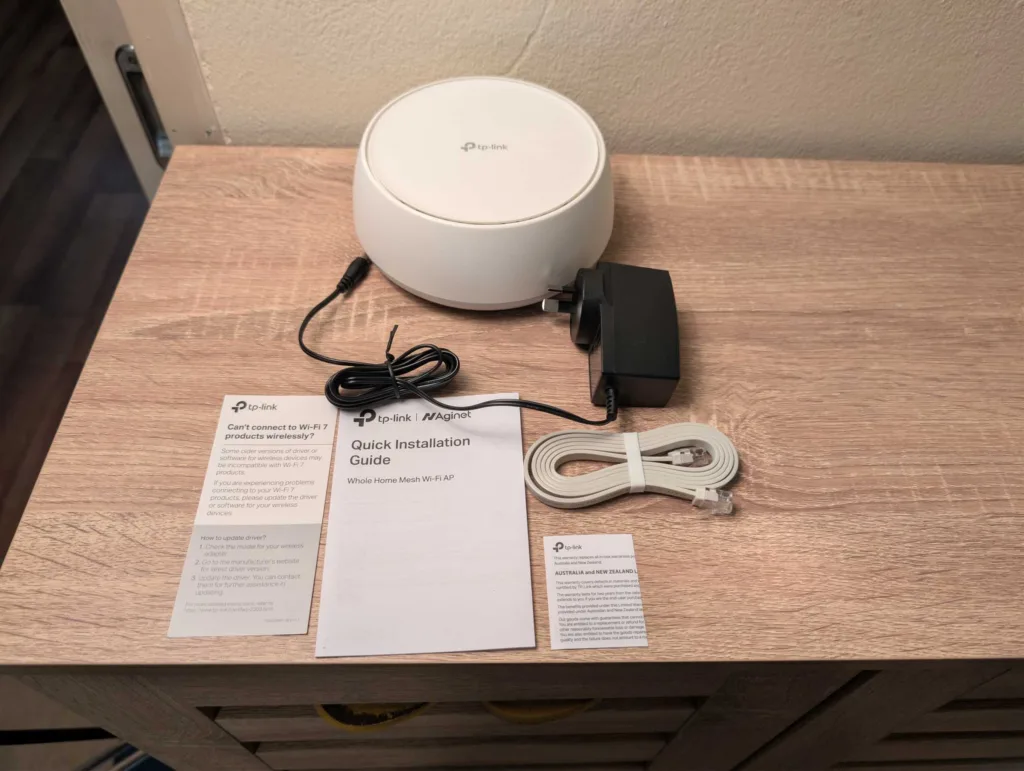
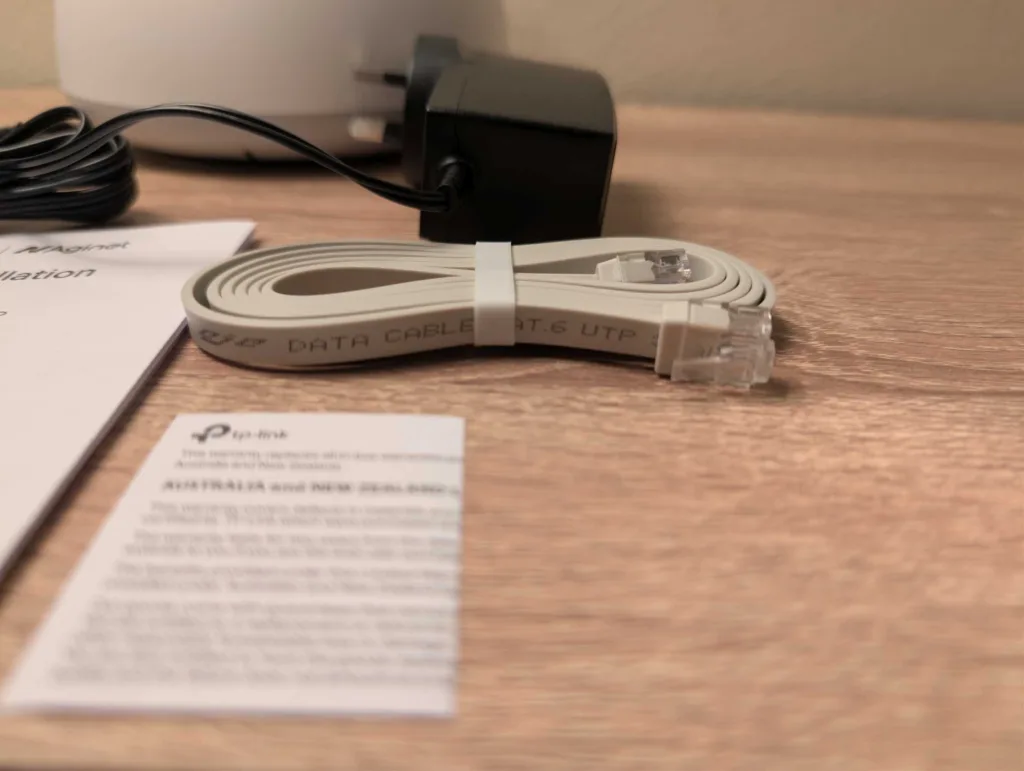
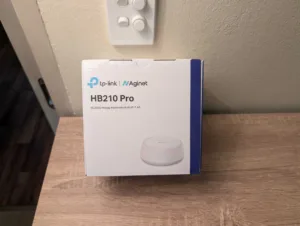
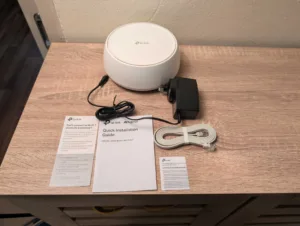
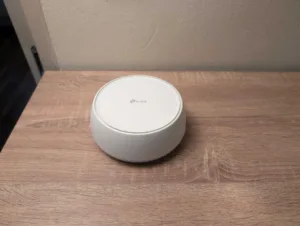
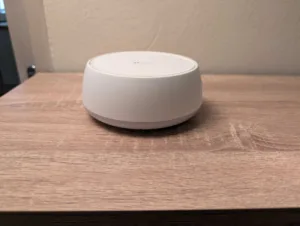
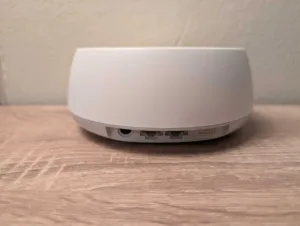
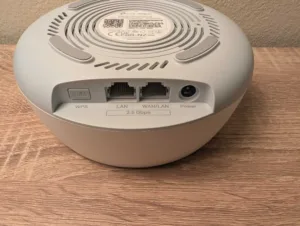
It's a shame the TP-Link HB210 Pro isn't available from retail stores, as it's an easy recommendation for anyone looking to build a WiFi mesh network without spending a lot. The HB210 Pro is cheaper than its WiFi 7 mesh peers, yet it still has a good selection of features that have it punching above its budget price. If you do end up grabbing the HB210 from MATE or SpinTel, try to grab a second (or third unit) for a better shot at speedy and reliable 5GHz WiFi coverage throughout your home.
How we review routers
We test our routers in ways that are meaningful to everyday users. That starts with looking at where the price of a router falls in comparison to its peers, relative to the features it offers. Then comes the setup, evaluated in terms of hardware installation and initial configuration to get connected.
We like a router that’s easy to install, simple to configure and one that’s easy to tinker with for users who like to personalise settings inside a router’s operating system. Ultimately, though, a router has to offer a speedy and reliable network—mainly for preserving internet speeds but also for local transfers—which is why we pay close attention to the results of our speed tests.
From there, we test a router as an everyday device. While high-end, future-proofed bells and whistles are great, we like routers that reliably work in the background to make it easy to browse the web, play games, share files locally and, ideally, offer wide-reaching WiFi networks.

Related Articles
LG CineBeam S Projector review: Part of the story
Nothing bad to say about this budget banger.
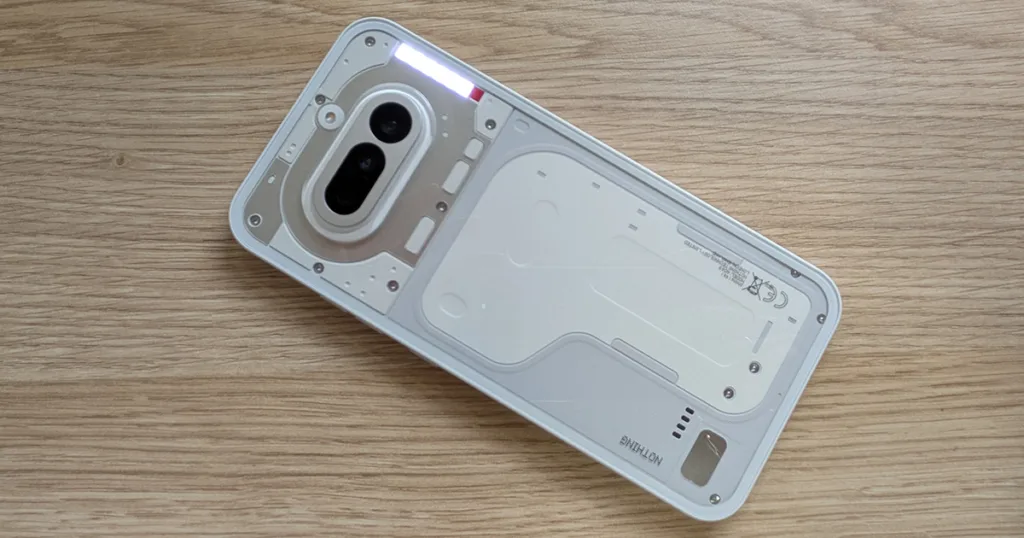
Nothing Phone 4a review: Making phones fun again
Nothing bad to say about this budget banger.

Google Pixel 10a review: This feels familiar
Small screen, big ambition.

The best Satellite NBN Internet plans available in Australia
Don't get ripped off...



