
The SteelSeries Arctis Nova Elite is undoubtedly the best gaming headset ever made, but the cost will be too much for most gamers.
SteelSeries Arctis Nova Elite review: High-priced Hi-Res
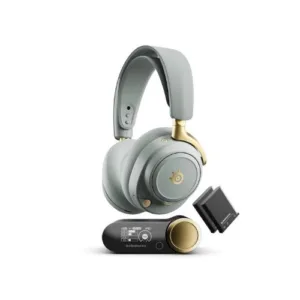
SteelSeries Arctis Nova Elite

Headset compatibility
All platforms
Connectivity
Hi-Res 2.4GHz, Bluetooth; 3.5mm
Noise cancelling
Active noise cancellation

 12 min read
 Best-in-class sound and comfort
Best-in-class platform compatibility
A viable replacement for all other headphones
Best-in-class sound and comfort
Best-in-class platform compatibility
A viable replacement for all other headphones 
 Eye-wateringly expensive $1,349 RRP
Wait, that RRP was a typo, right?
It wasn't? That's ridiculous!
Eye-wateringly expensive $1,349 RRP
Wait, that RRP was a typo, right?
It wasn't? That's ridiculous! SteelSeries is no stranger to pricey headsets. Just take a look at the Arctis Nova Pro Wireless. When those bad boys released in 2022, they were the priciest wireless headset around at $735 RRP. Today, they've held that RRP, with a revised model that fixed one of the comfort issues for ears like mine.
Despite trying to find premium alternatives to replace the Arctis Nova Pros in the years since 2022, I kept going back to them time and time again. When SteelSeries unveiled the Artis Nova Elite headset, I was going to buy a pair, even with the sky-high RRP. And then SteelSeries sent me a pair to review and, like the Arctis Nova Pros before them, it's hard to see them being usurped by anything else.
How much does SteelSeries Arctis Nova Elite gaming headset cost in Australia?
A premium price intended for audiophile gamers ($1,349 RRP).
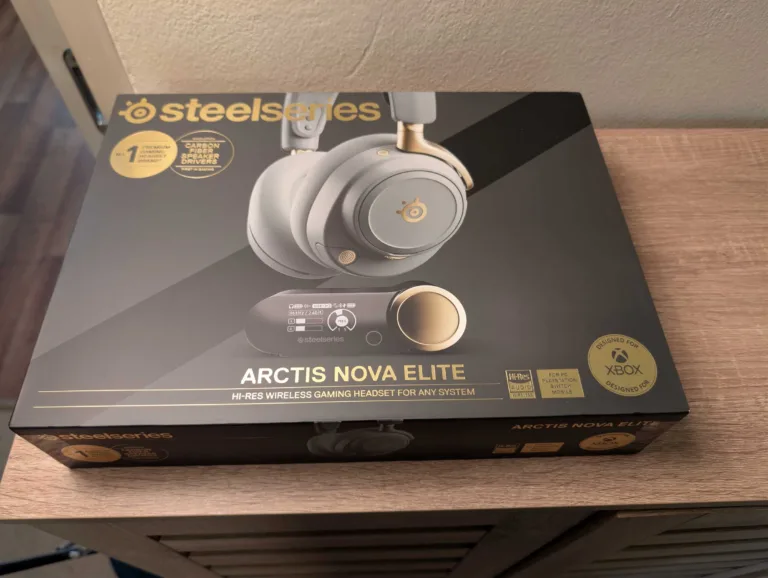
There's no getting past the $1,349 RRP. If that's too expensive, there's nothing I can write that'll convince you otherwise. Even if it is within your budget for an all-in-one headset replacement, you likely still need convincing. Before I even researched it, I knew the Arctis Nova Elite was the most expensive gaming headset on the market. The next priciest pair is the Logitech G Astro A50 X for $749 RRP. After that, it's the Arctis Nova Pro Wireless at $735 RRP.
It's an exy RRP even by premium headphone standards. The Sennheiser HD 660 S2 headphones retail for $949. It even makes the Apple AirPods Max and the Sennheiser HBD 630 headphones look 'cheap' with their $999 RRPs. To get close to that price point, you'd have to look at the Bowers & Wilkins Px8 at $1,149 RRP. Even then, that's still $200 cheaper than what SteelSeries is asking for the Elites.
Price-wise, it feels a lot like Nvidia GPU pricing. Nvidia doesn't appear to pay much attention to how AMD or Intel are pricing their graphics cards. And when it comes to headsets, SteelSeries is two steps into a trend of peerless high-end pricing. The trick, then, is finding the value in the high asking price or waiting for a generous discount down the track (ideally, both).
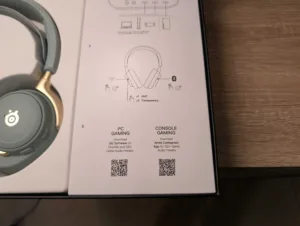
SteelSeries Arctis Nova Elite box contents
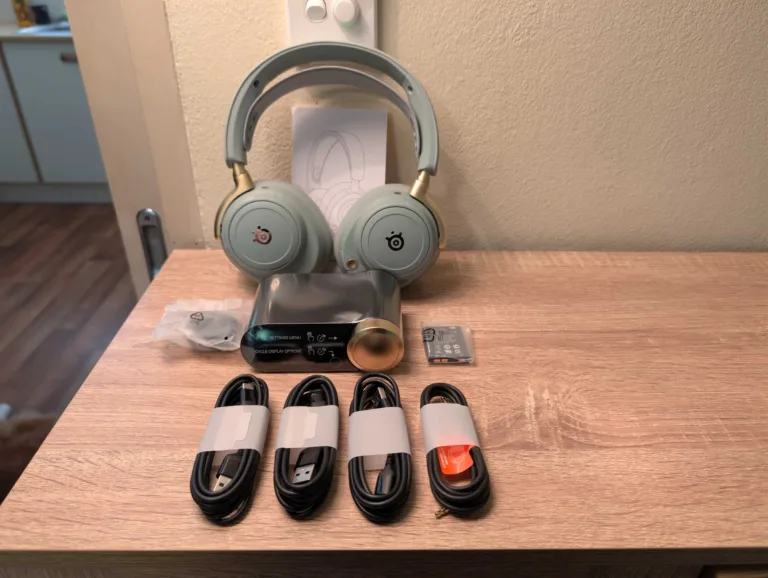
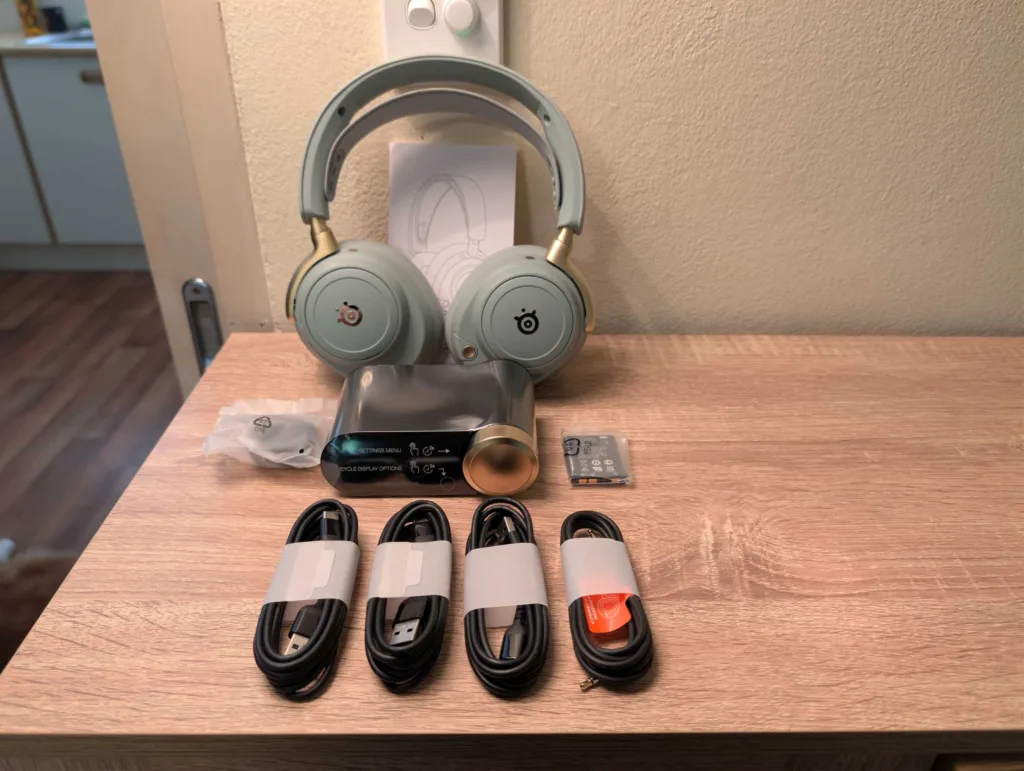
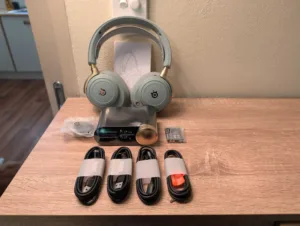
Here's everything that comes with the SteelSeries Arctis Nova Elite whether you pick either the obsidian or sage-and-gold colour configuration:
- Arctis Nova Elite headset
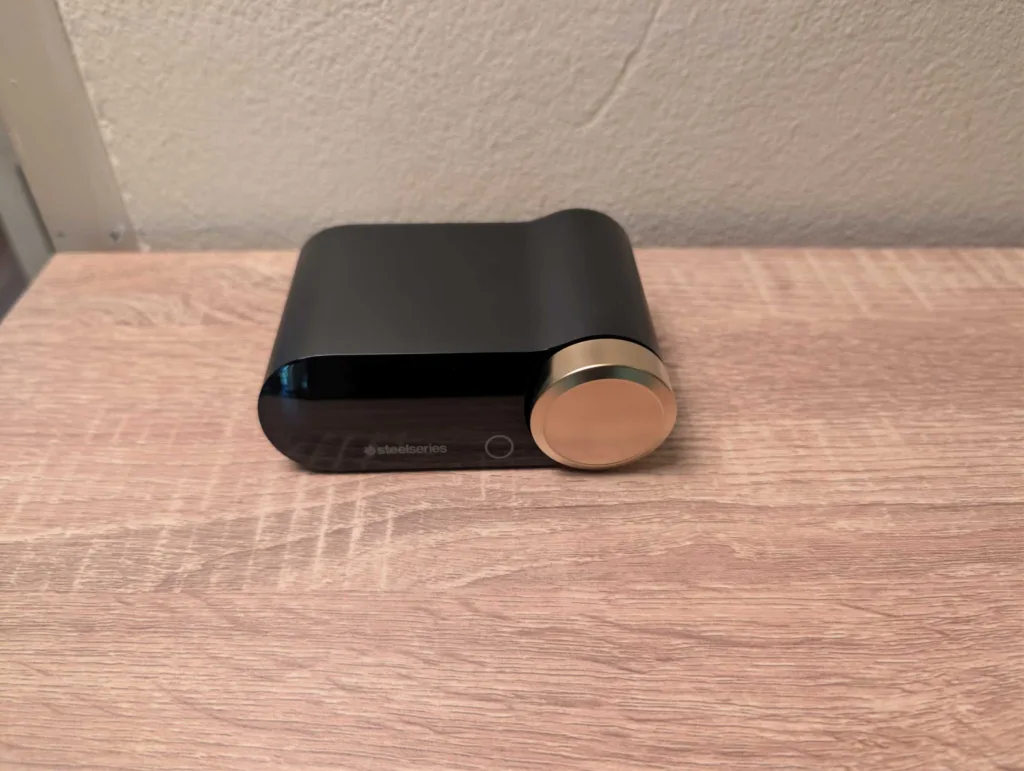
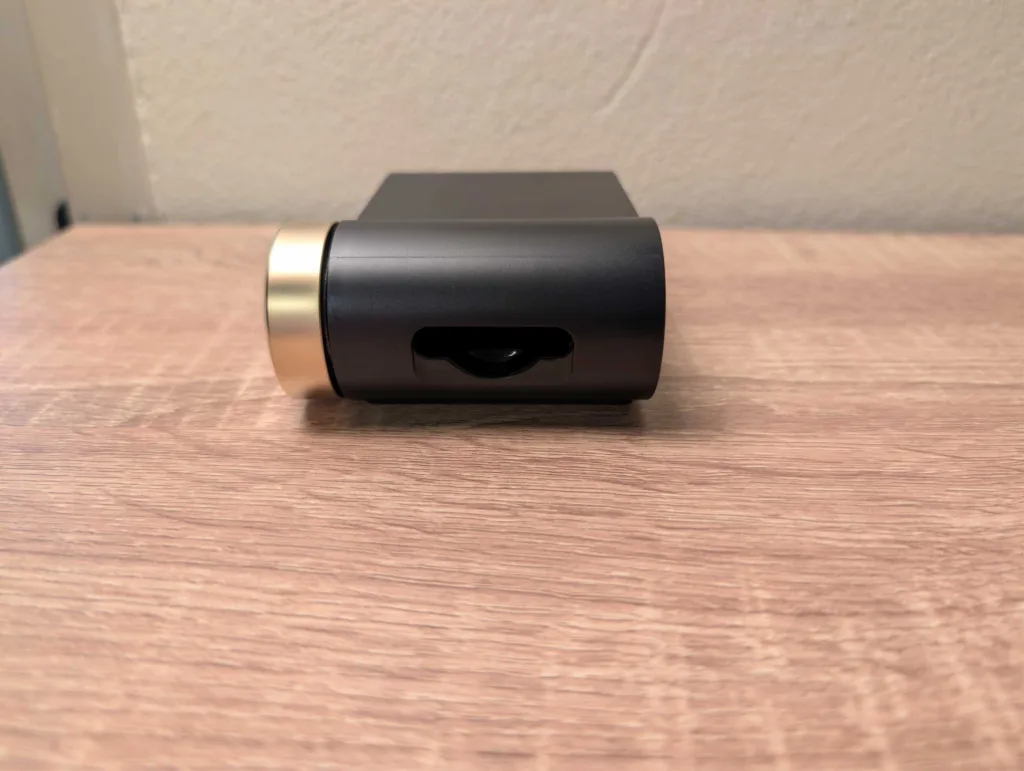
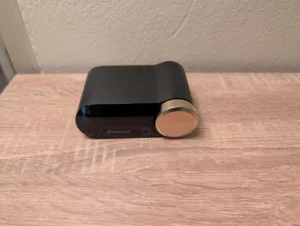
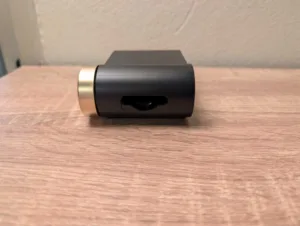
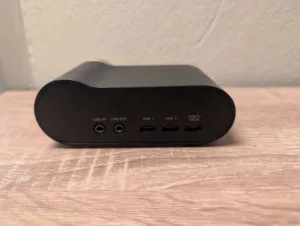
- Arctis Nova Elite GameHub (DAC)
- 3x 1.5-metre USB-C to USB-A cables
- 3.5mm audio cable
- Microphone pop filter
- Spare battery pack
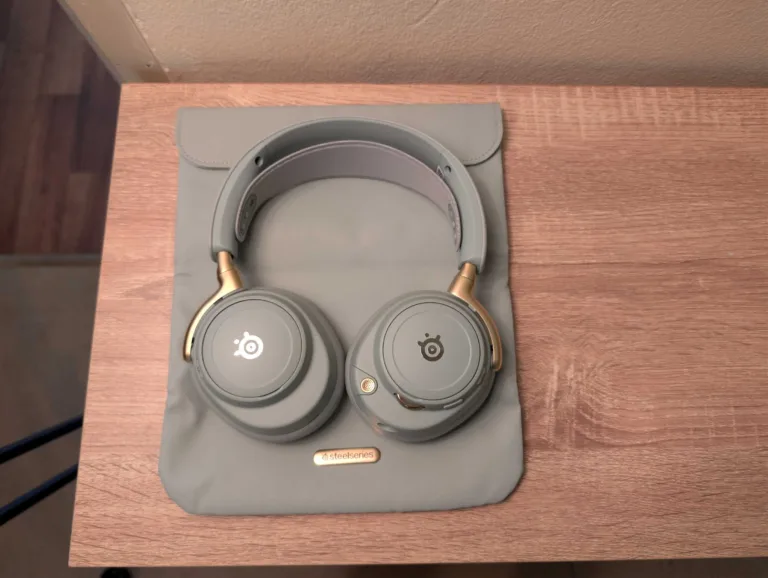
- Magnetic leather travel pouch
There's not too much to flag here in terms of inclusions. But at this RRP, it's okay to be picky. I'd prefer USB-C to USB-C cables; ideally, three of the USB-A ends and three of double-ended USB-C. While I'm at it, throw in three USB-C to USB-A adapters to give you more options. Cables don't cost a lot, but the extra port options would be appreciated.
I'd also prefer a hard case at this RRP. The leather travel pouch is a great piece of foldable kit that comfortably holds the Arctis Nova Elite headset. But after testing it, I did immediately yearn for the protection of a hard case, particularly if I was to use the Elites as an everyday pair of headphones.

What is SteelSeries?

SteelSeries has bragging rights to being the original esports-focused peripherals brand, which started in Denmark in 2001. Despite being a popular provider of esports peripherals, SteelSeries makes a range of keyboards, mice and headsets for everyday gamers, too.
SteelSeries Arctis Nova Elite setup
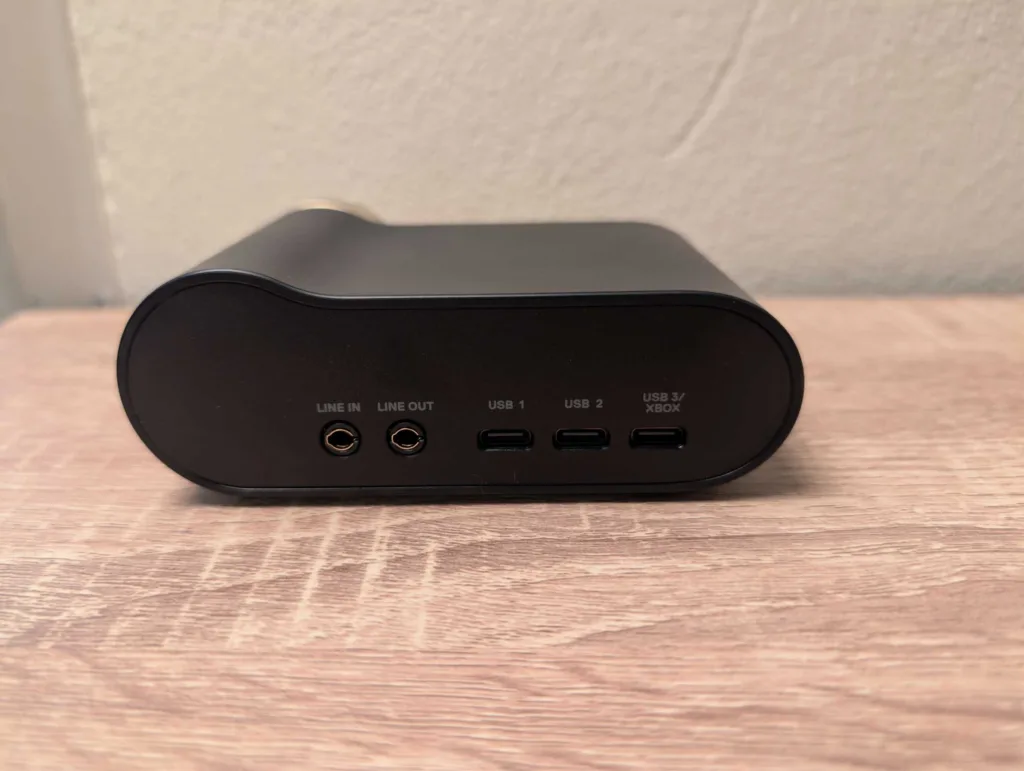
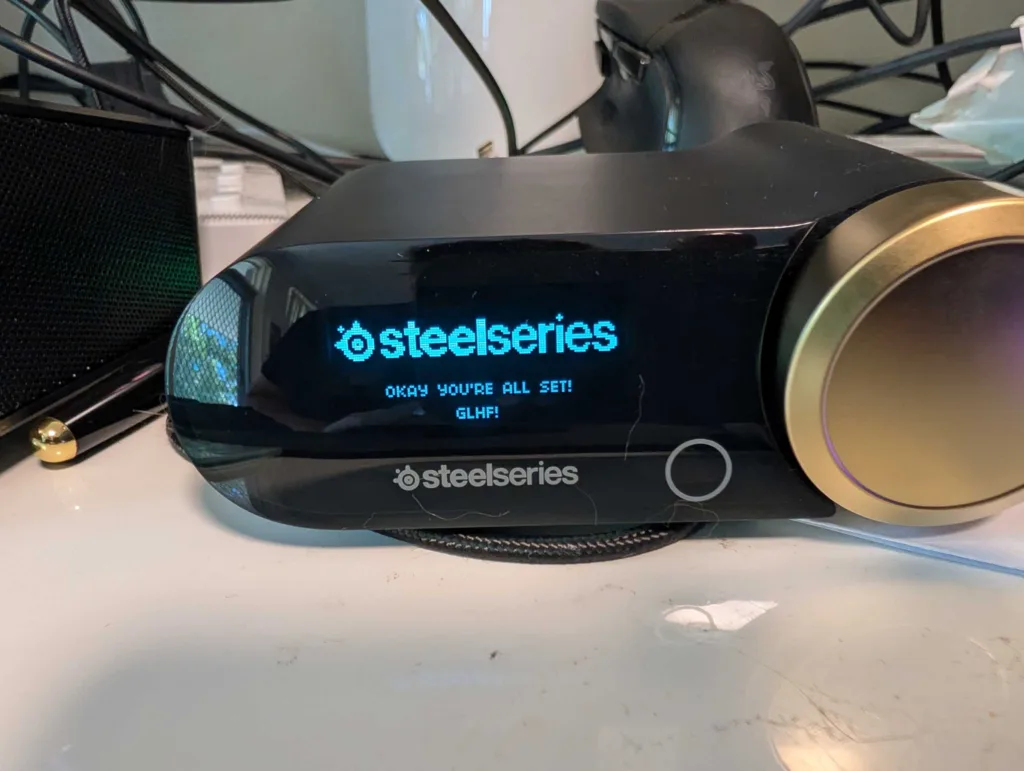
The beauty of SteelSeries Arctis Nova headsets is there isn't really any initial configuration required to use them. Like its older siblings, the Elites come preconnected to the GameHub. All you have to do is connect one of the USB ports on the GameHub to a platform of choice. There's even a dedicated Xbox port, which can be converted to a generic USB-C port inside the GameHub settings.
The GameHub is clever enough to switch between devices based on which device is powered on. You can even get up to four simultaneous audio inputs if you wanted to: USB 1, USB 2 or USB 3, Bluetooth, and line in. For Bluetooth, hold down the Bluetooth button on the right earcup for four seconds. Search for and connect to the Elites on your Bluetooth device. Then you can install the SteelSeries Arctis Companion app on Android or iOS for Bluetooth devices.
You'll also want the SteelSeries Arctis Companion app to make audio tweaks on consoles, including Xbox, PlayStation and Switch. On PC, you will likely have to manually change some system settings to take full advantage of the Hi-Res-capable headset. On the GameHub, hold the volume wheel to get to settings. Scroll right twice to get to Wireless. Tap in, then tap again on 2.4G. Scroll right once to get to 2.4G Mode and ensure it's on Hi-Res.
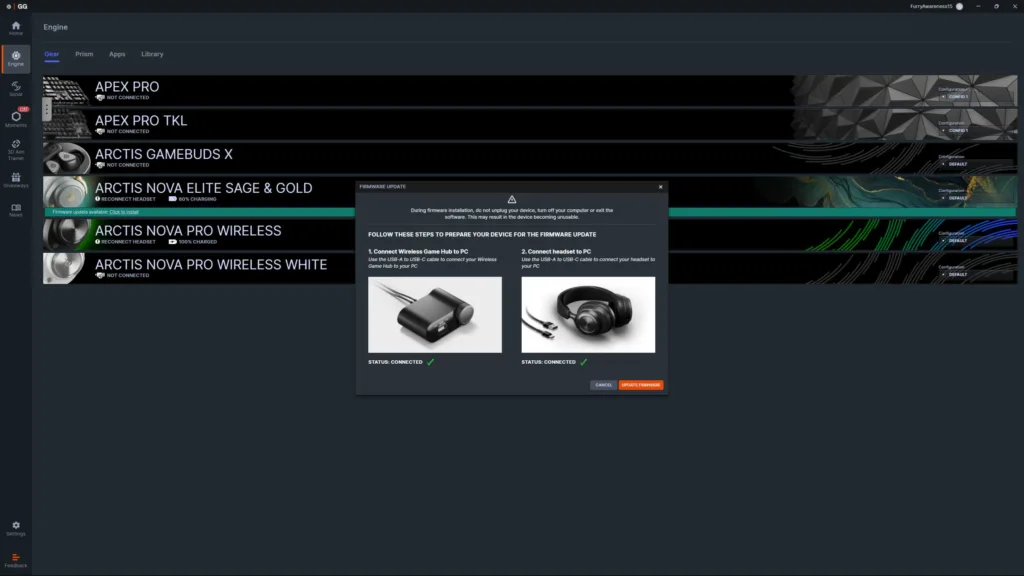
On your PC, right click the sound icon in the system tray, then select 'Sound settings'. Click the arrow next to your Arctis Nova Elite headphones, then click on the drop-down menu next to 'Format'. Make sure that's on '2 channels, 24 bit, 96000 Hz (Studio Quality)' and you're good to go. On PC, you should also download SteelSeries GG, then click on the 'Engine' tab. You'll likely have a firmware update available, so follow the guided steps to update the firmware. Check your Bluetooth devices for potential Hi-Res settings, too.
SteelSeries Arctis Nova Elite connectivity
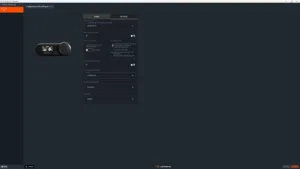
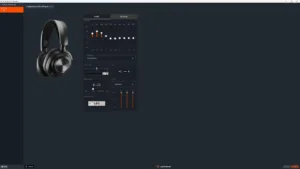
Practically speaking, the SteelSeries Arctis Nova Elite is compatible with every major platform. That includes PC and Mac for keyboard and mouse players, but consolers haven't been forgotten with PS4, PS5, Xbox Series X|S, Nintendo Switch and Nintendo Switch 2 compatibility. If you've got a Steam Deck, Asus ROG Ally X or any other gaming handheld, you can connect via USB-C or Bluetooth. You will likely need an adapter or substitute cable for any USB-C-dominant platforms (or a dock).
The Elites also support USB-C or Bluetooth connectivity with smartphones and tablets. There's even audio-only support for the Meta Quest 2 and Meta Quest 3 VR headsets via Bluetooth or USB-C. That list feels long already, but it's actually conservative. The 3.5mm port makes the Elites compatible with older or wired products. Bluetooth 5.3 (sadly, not 5.4 for its lower-latency perks) means the Elites can viably connect with any device that supports Bluetooth audio.
There are some disclaimers, though. PS4 and PS5 have ChatMix controls via system rather than the GameHub. Mac doesn't support ChatMix. And Meta Quest compatibility is limited to audio only (no chat). Disclaimers aside, the comprehensive connectivity is definitely a plus for the Elites.
SteelSeries Arctis Nova Elite battery life
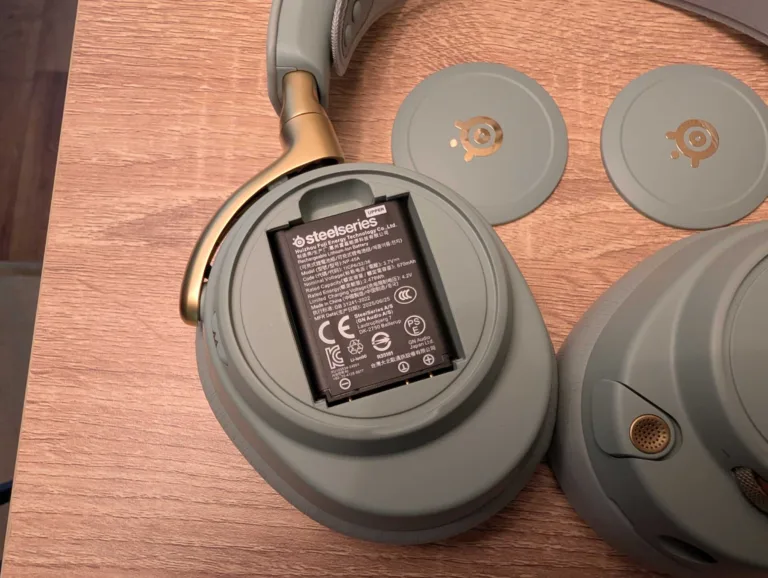
Testing battery life has always felt redundant on high-end SteelSeries headsets. Why? Because of the swappable battery system. While you're draining one battery in the headset, the second battery should be recharging inside the GameHub. Outside of a few seconds of downside while switching battery, you can feasibly use the SteelSeries Arctis Nova Elite in wireless mode until one of those batteries dies (years down the track if my experience with SteelSeries headsets is any indication).
But I'm me, so I tested anyway. I wanted to see how long a single battery could last, relative to the claims of 30 hours per battery. For my tests, I ran it at whatever around-50% volume felt comfortable, with Bluetooth and 2.4GHz connected simultaneously most times, though only audio playing from one source at a time. Active-noise cancellation was also on at all times.
I generally tested for multi-hour sessions and got to around 20.5 hours before the battery level hit 15%. At 15%, the Elites will beep at you every five minutes until you replace the battery. I could've popped off the magnetic left earcup holder and charged for 15 minutes to get another four hours of battery life. But I did what you're supposed to do and swapped in the other fully charged battery once the beeping got too annoying. While it's not 30 hours, 20+ hours of juice is more than enough for any practical use case.
With a full battery charge under two hours away from the GameHub, there's no need to be out of juice ever. And if you're fast, you can keep the Elites powered on during the battery swap because they stay powered on for around nine seconds. That's possible with practice. Get your replacement battery ready to go. Screw off the magnetic cover on the right earcup. Then hot swap in the replacement battery.
SteelSeries Arctis Nova Elite comfort
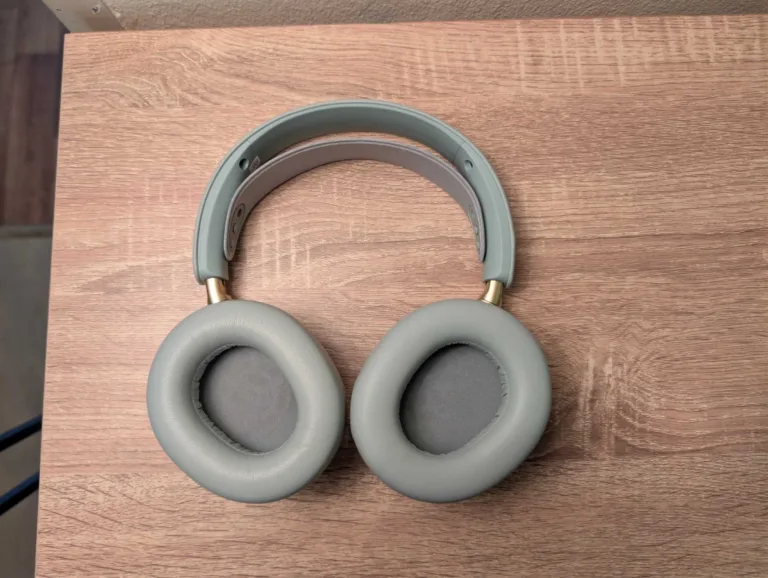
Perpetual battery life doesn't mean much if a headset doesn't have all-day comfort. Thankfully, the SteelSeries Arctis Nova Elite headset has incredible comfort built atop premium materials. Rewind to 2022, and my counter for the protruding in-earcup ANC mic was thicker Wicked Cushions pads. For comparison, those replacement earpads are about the same thickness as the ones that come with the Elites, plus there's no in-earcup ANC on the Pros pricier sibling.
The Elite's memory foam earcups are surrounded in a classy looking/feeling vegan leather. For your noggin, there's the SteelSeries staple inner headband. Slide out the firm but easy-to-extend arms to fit larger noggins (like mine), and you're prepped for all-day comfort. That includes for people like me who have to wear glasses to properly see whatever's on a screen in front of them.
I will add that longer sessions are more comfortable if you err more on the size of a larger fit than a smaller one. It's also worth ensuring you have even distribution for left and right earcups to preserve longer-session comfort. The physical buttons are also logically placed and easy to find without looking. Just be aware that if you find the volume dial not doing its job, you likely are in a menu screen on the GameHub. Exit the settings to restore dial functionality.
SteelSeries Arctis Nova Elite game sound
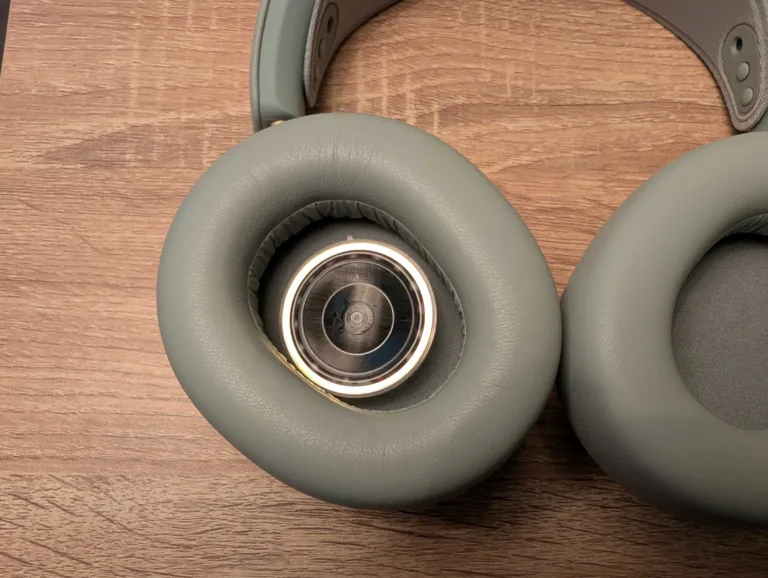
In-game sound is as good as it gets for gaming headsets with the SteelSeries Arctis Nova Elite. Most of my testing time was spent on PC, which is where you can get up to the gold-standard 96kHz/24-bit. Note that PS5 and Xbox Series consoles reportedly max out at 48k/16-bit, so that may impact the overall value if you're not a PC gamer first and foremost.
No matter what I was playing, the sound quality was excellent, without distortion but with the kind of immersion you'd hope for at this lofty RRP. The disclaimer there is the better the game audio, the better the experience. For instance, the Elites won't help improve the godawful sound mixing in Battlefield 6. But the sounds you do hear in that game is impressive when it's not actively muting footsteps, tanks and choppers. Gunfire and explosions are particularly meaty.
If there's a competitive advantage to be found in audio, the Elites will give you the best version of that as far as the Arctis Nova range is concerned. I jumped into a round of Hell Let Loose and was impressed by the immersive soundscape. Being able to hear enemy footsteps clearly and directionally is a big advantage in that game, and I got the drop on enemy players multiple times thanks to clear audio cues.
SteelSeries Arctis Nova Elite everyday audio
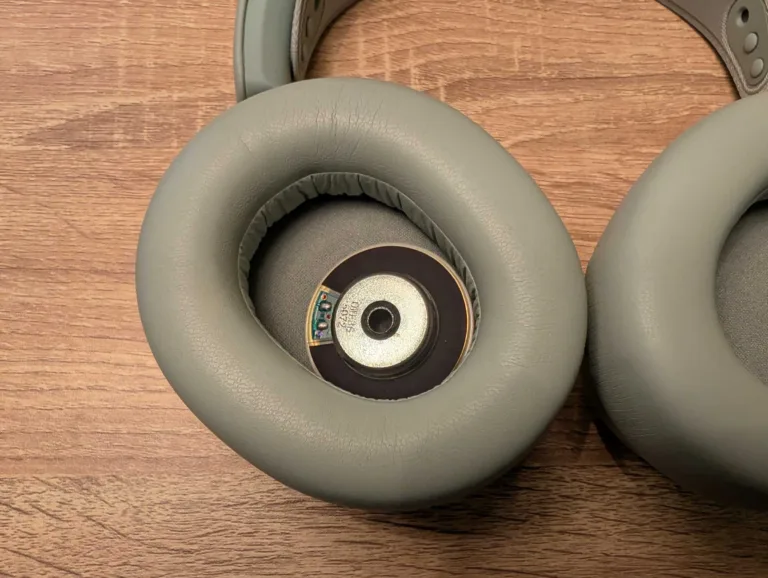
Whether you're listening to music, watching movies, or digging into anything that requires audio on a PC, the SteelSeries Arctis Nova Elite headset is an excellent audio companion. Because you can have multiple audio sources, it's a cinch to, say, jump between PC audio via low latency 2.4GHz or Bluetooth audio on your phone.
This is intended as an audiophile headset, so you're doing yourself a disservice if you're not using high bit-rate sources. I fired up a month of Tidal for higher-res audio. When I'm working, I listen to a mix of orchestral music, and that genre sounds particularly delightful with the Elites across lows, mids and highs. Going back through a range of yesteryear bangers – A Perfect Circle's Mer De Mons, The Crystal Method's Tweekend, and Metallica's Garage Inc. to name a few – was a great way to test comfort levels at higher volumes.
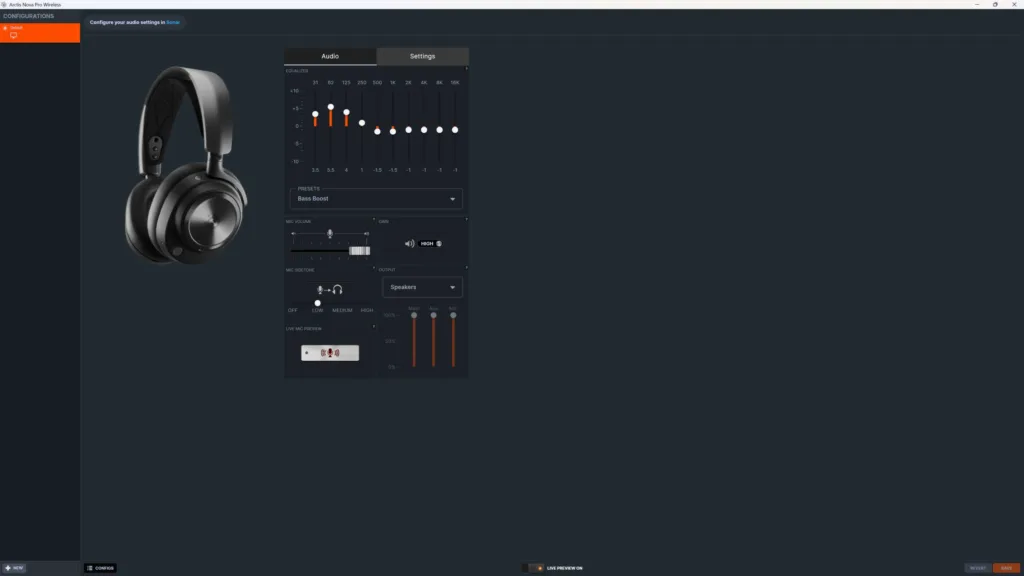
No matter how hard I cranked them – and I got the Elites to painful volumes – the music was still clear without distortion. My biggest gripe is a slight lack of bass, even with the bass boost preset. It's not like the bass isn't there, it just can't compete to gold-standard comparisons like my go-to Sony WH-1000XM6 headphones.
SteelSeries Arctis Nova Elite microphone
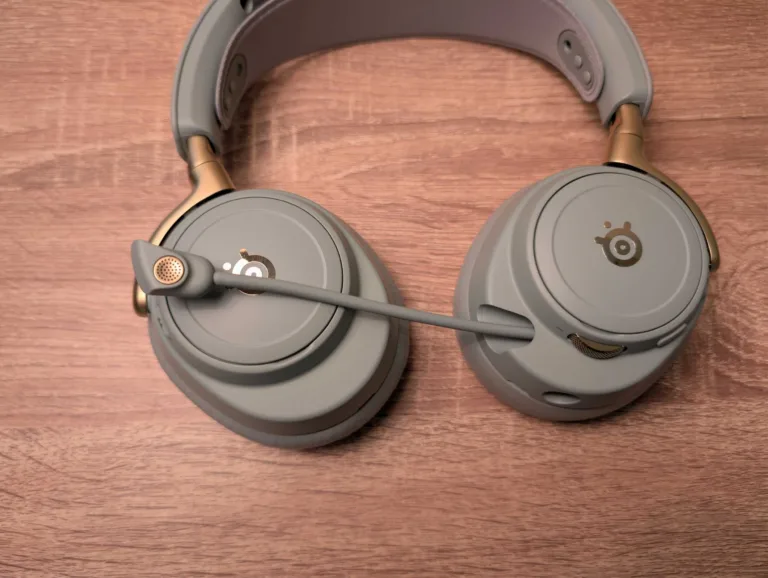
When I test a new headset, I usually wait for my regular gaming crew to tell me whether my mic is better or worse. Shifting from the SteelSeries Arctis Nova Pro to the Elite, there were no comments. After prompting, the consensus was my voice was clearer, which definitely helps during frantic shootout moments in Battlefield 6 and ARC Raiders. The clearness is particularly evident in side-by-side comparisons between Pro and Elite.
What's more impressive is how well the AI noise cancelling works. My gaming rig is in the lounge, just behind where my partner watches TV. Unless she was watching at high volumes, the Elite mic did a great job of eliminating background noise, which is something I typically relegate to Nvidia Broadcast. Now that extra GPU power can be put towards gaming.
That's all well and good in headset mode, with the retractable microphone out, but you don't need the mic extended for calls. I tested this on a half-hour call with a mate, impressed with the clear audio from him and his reports of great audio from the Elite's discreet onboard microphone. In side-by-side tests with the Elite mic out, it's not as crisp sounding, but the person on the other end of the call should still get clearer-than-handset audio.
SteelSeries Arctis Nova Elite software
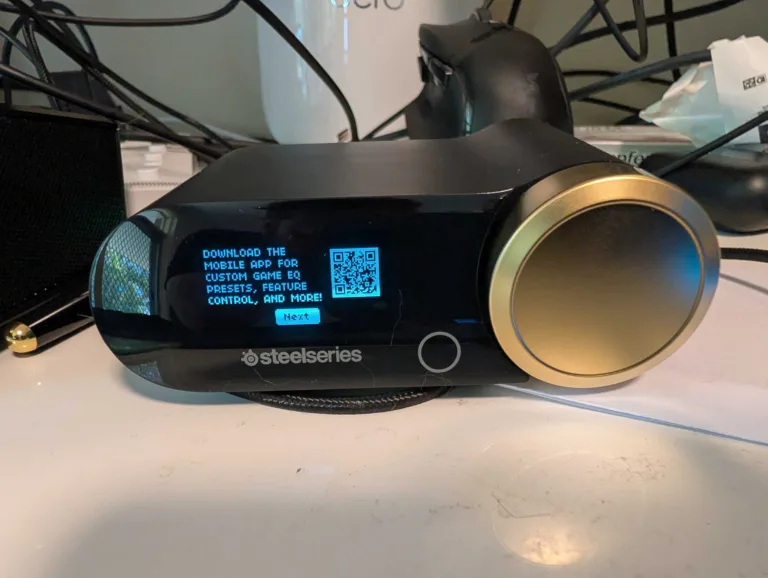
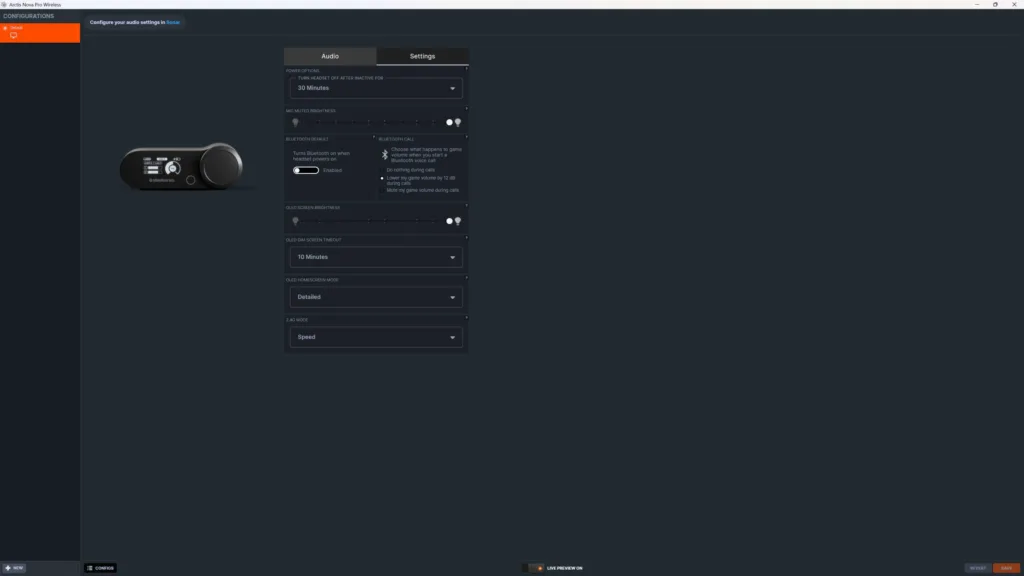
SteelSeries software is the best in the biz, and it's a perk that you get with most modern SteelSeries headsets. SteelSeries GG is home to SteelSeries Engine and SteelSeries Sonar. SteelSeries Engine is where you'll find core settings for the Arctis Nova Elite. Tweak basic settings like GameHub OLED brightness, inactivity time limits, and whether Bluetooth turns on by default.
The audio and microphone settings are better tweaked in Sonar or the companion app. By default, audio and microphone will be set to the flat EQ preset, which is an okay starting point, but you'll get better results by playing with the many other presets.
And that's where Sonar comes in. You should absolutely spend some time in here, even if only once to set and forget. You can set different audio sources and configurations for game, chat, media, aux and microphone. For me, I set my media 'Music: Punchy' or 'Movie: Immersive' (depending on what I'm listening to), then I always look for a game-specific audio preset. At the time of writing, there were 274 audio configs, including newly added ones for ARC Raiders, The Outer Worlds 2, and Megabonk.
If you don't like them, you can create your own or find others online. If you're on Bluetooth devices or consoles, head over to the app. While there were only a handful of presets for Bluetooth ('Bass Boost' was best for my ears), there are hundreds of audio configs for 2.4GHz. Strangely, even more than what was on the PC software. Tap the audio preset you want and, a half-second later, you'll hear it applied to whatever you're listening to.
SteelSeries Arctis Nova Elite versatility
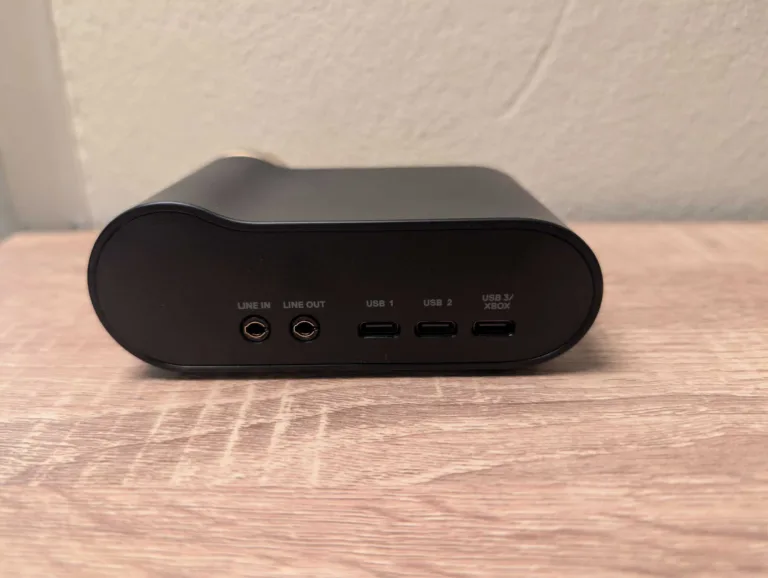
You have to imagine this is the real motivator behind the lofty RRP because the SteelSeries Arctis Nova Elite can viably replace all over-ear headsets and headphones in your home. If you own every major gaming platform, each with their own respective headsets, this is a big win on the convenience front. Let's look at the practicalities of platform switching with the Elites.
I have two main gaming stations: at my desk and behind me in the lounge area. My desk has my main PC, a PlayStation 5 Pro/a> and a Nintendo Switch 2 connected to a 4K OLED monitor. Normally when switching platforms, I'd jump from my Arctis Nova Pros for PC to the PlayStation 5 Pulse Elite Wireless headset for PS5 Pro and then use Bluetooth to play Switch 2 audio via my Creative Sound Blaster Katana V2 soundbar.
Not anymore. All three of those platforms are connected to the Elite's GameHub. It's not entirely straightforward. I first had to switch the third USB-C port off its default Xbox mode to USB. And you can 'only' have two USB audio sources playing simultaneously, with USB-1 as a default, so I had to toggle between USB 2 and 3 on the GameHub menu to switch audio between PS5 Pro and Switch 2. But there isn't any other required configuration. You'll simply have game audio once connected without having to play about in console settings.
Over in the lounge area, I have an Xbox Series X, PlayStation 5 and my old desktop PC connected to a 4K TV. For audio on those platforms, I shift between a Bose soundbar for general audio, an Xbox Wireless Headset for the Series X, the Sony Pulse Elite for the PS5 (shifted over from the PS5 Pro), and a white pair of Arctis Nova Pros for the backup PC.
I was thinking I'd probably need to buy a second GameHub to sit near my tele for ultimate Elite convenience (at $259.99 RRP). But the simpler fix is much cheaper: buy a USB-C to USB-A cable or three for around $10 all in (or just find some spares), then shift the GameHub over to the tele as required. If I wanted to go all in on downsizing, I could also ditch my beloved Sony XM6s, and then the replacement value makes a strong case for the Elite's RRP.
Only considering the headsets listed above, the Elite's $1,349 RRP starts to look a lot more reasonable next to the $2,517 RRP breakdown:
- SteelSeries Arctis Nova Pro Wireless x2 ($1,470 RRP)
- PlayStation 5 Pulse Elite Wireless ($239 RRP)
- Xbox Wireless Headset ($159 RRP)
- Sony WH-1000XM6 ($649 RRP)
Even if you deduct the second Arctis Nova Pro Wireless headset, you're still looking at $1,782 of headphones. Naturally, that maths is very specific to my home configuration. But the costs do add up if you'd otherwise buy multiple headsets and headphones for different platforms.
Is the SteelSeries Arctis Nova Elite gaming headset worth buying?
A steep investment in quality cross-platform audio.
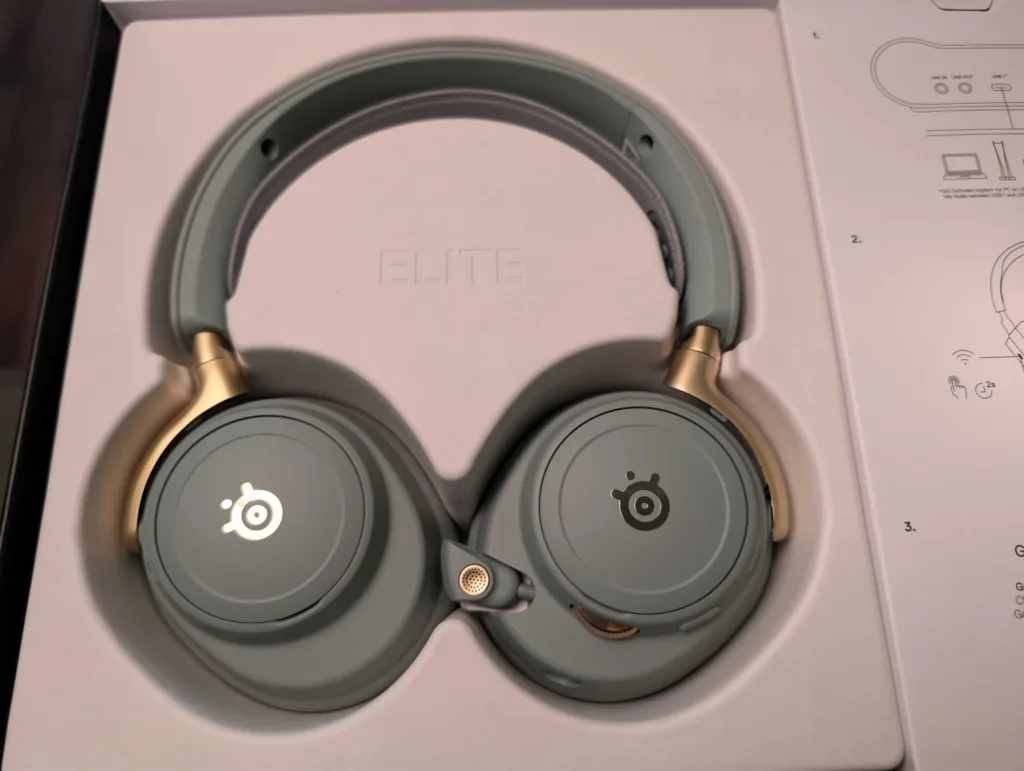
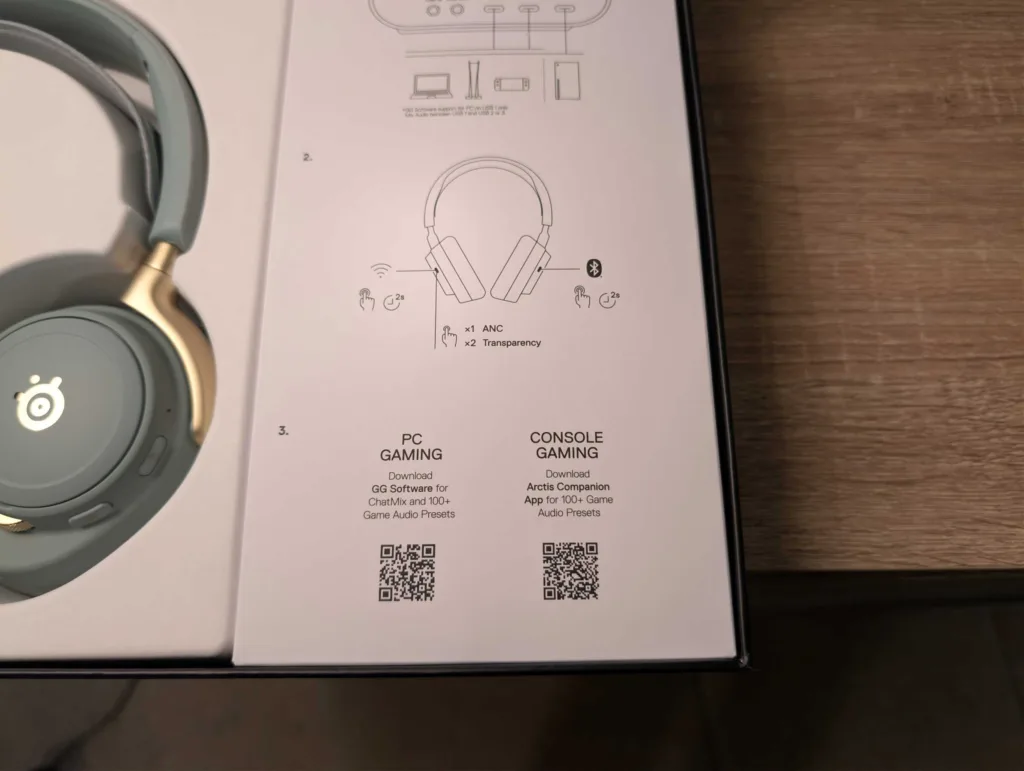
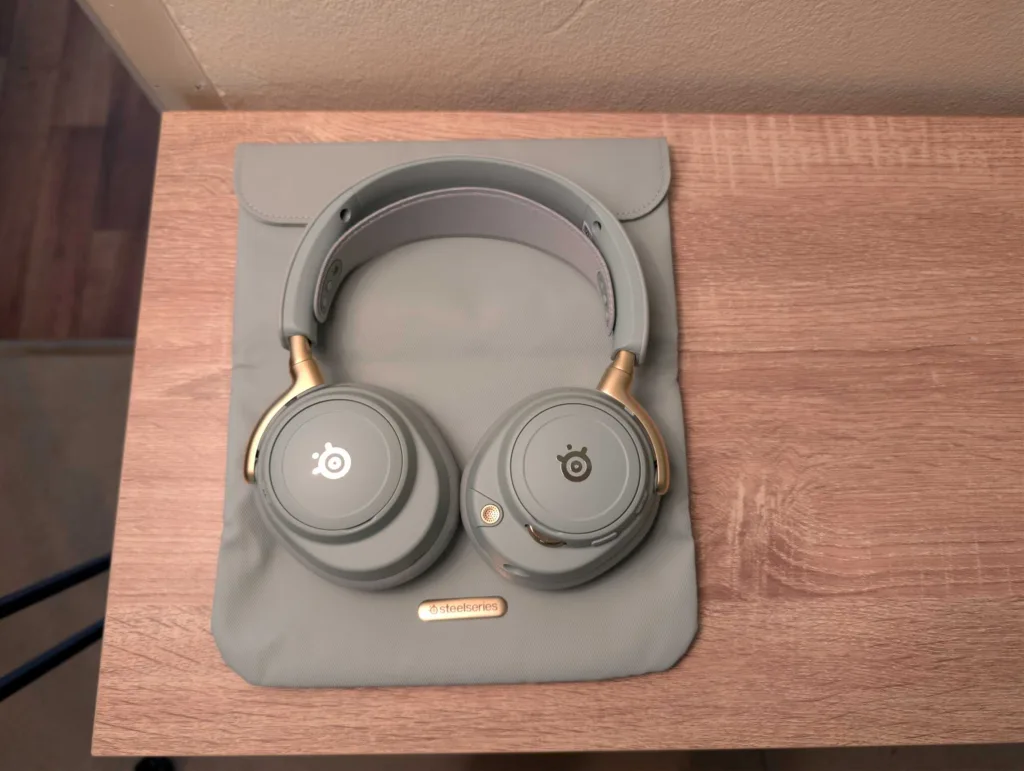
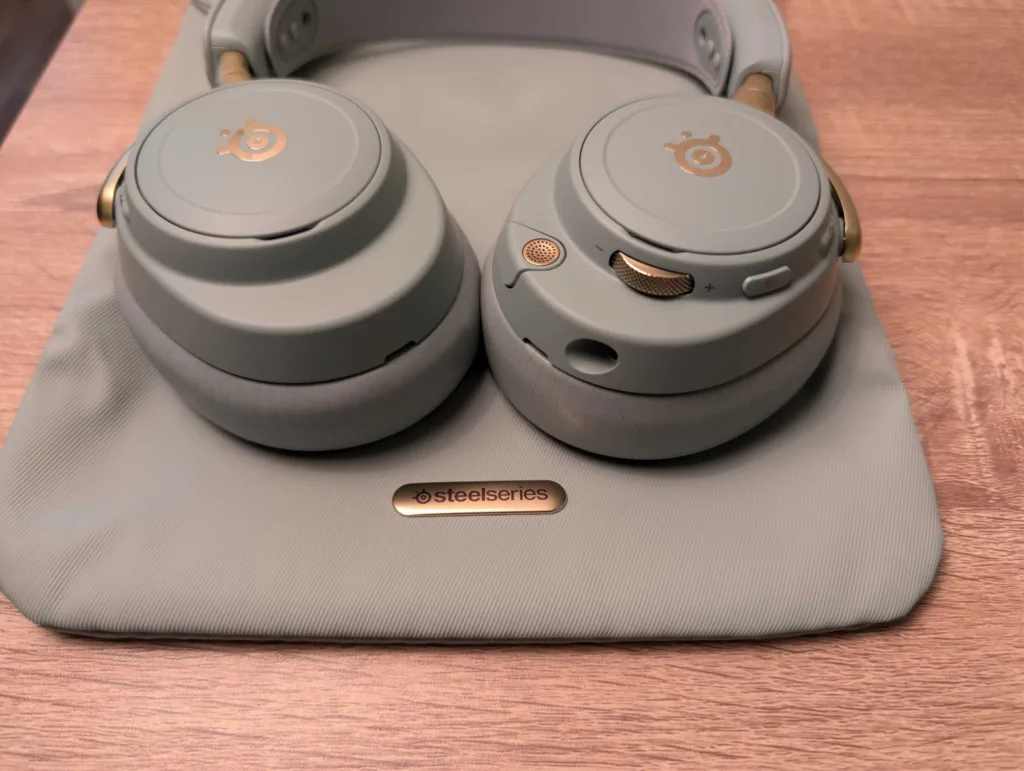
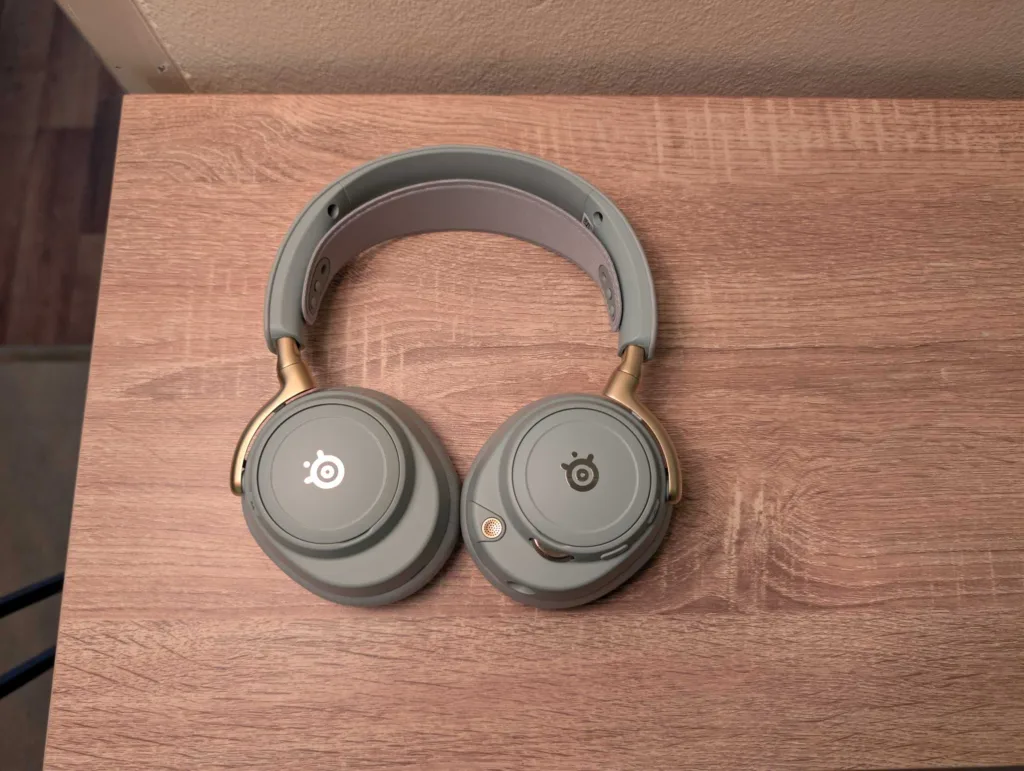
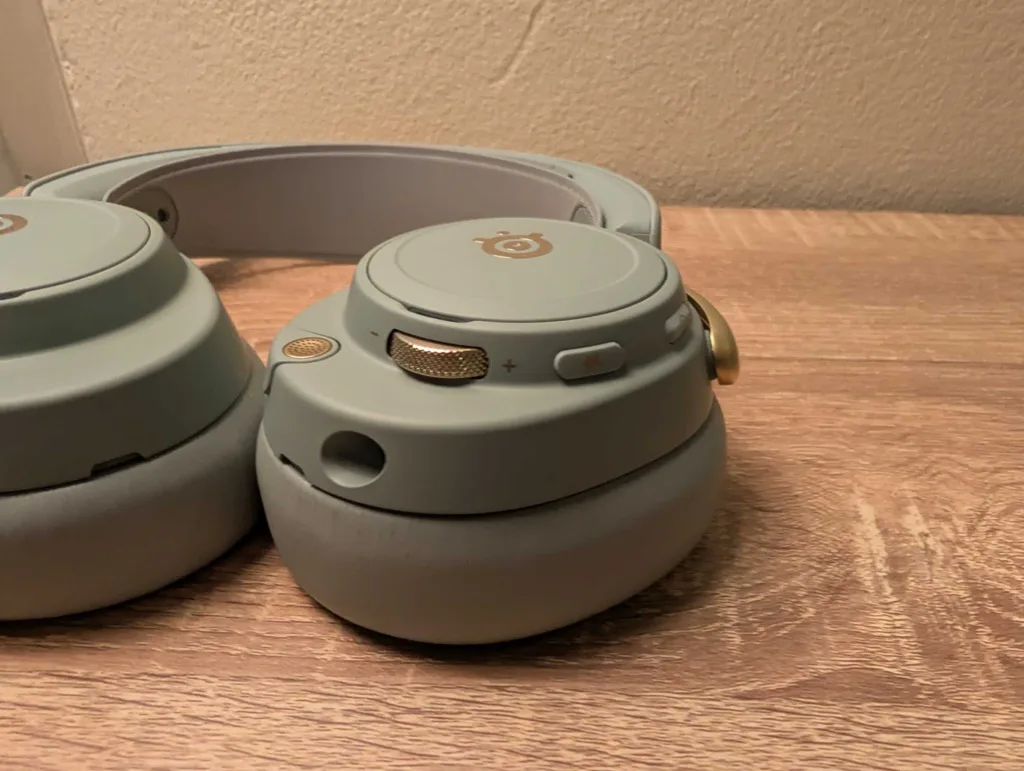
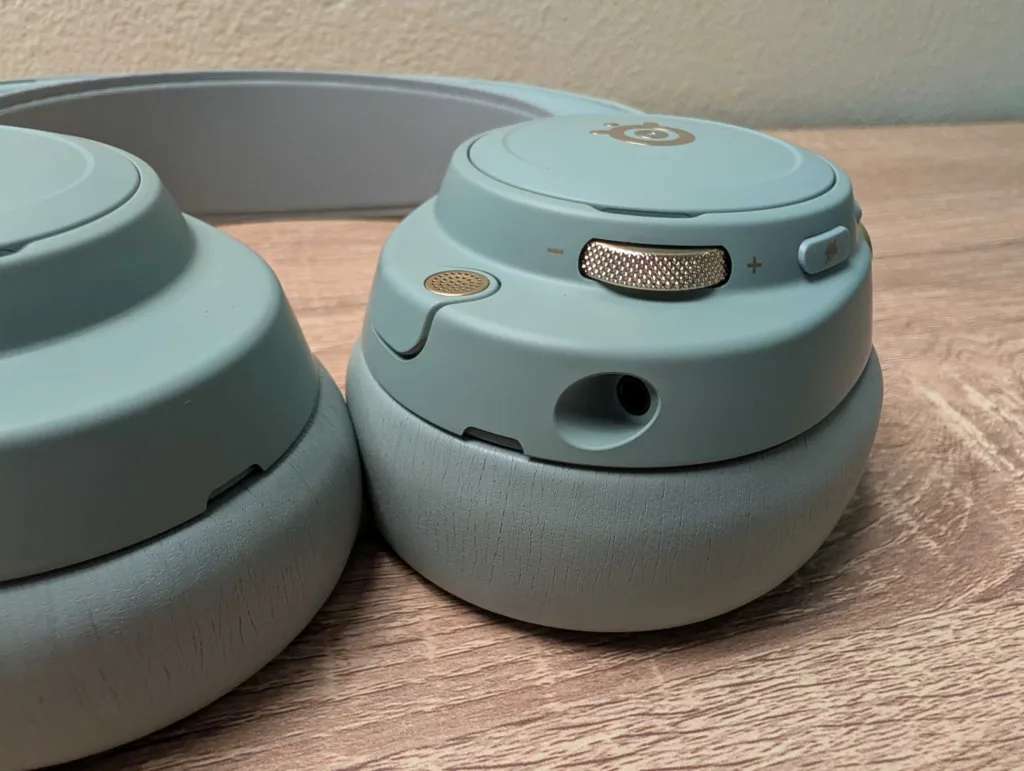
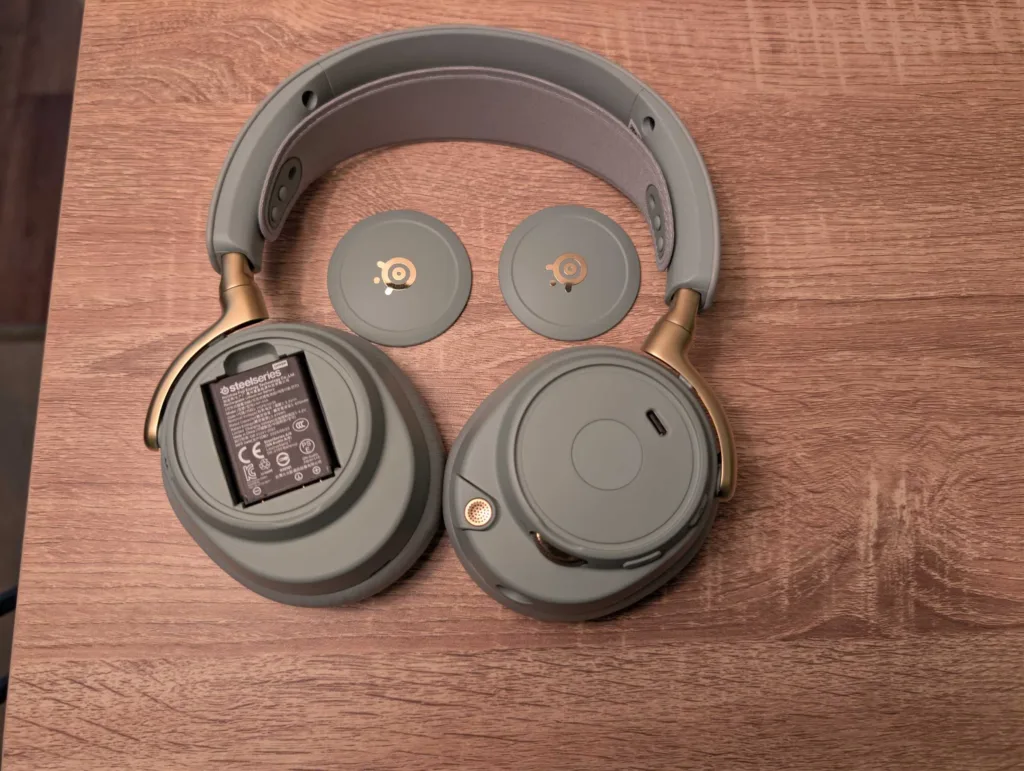
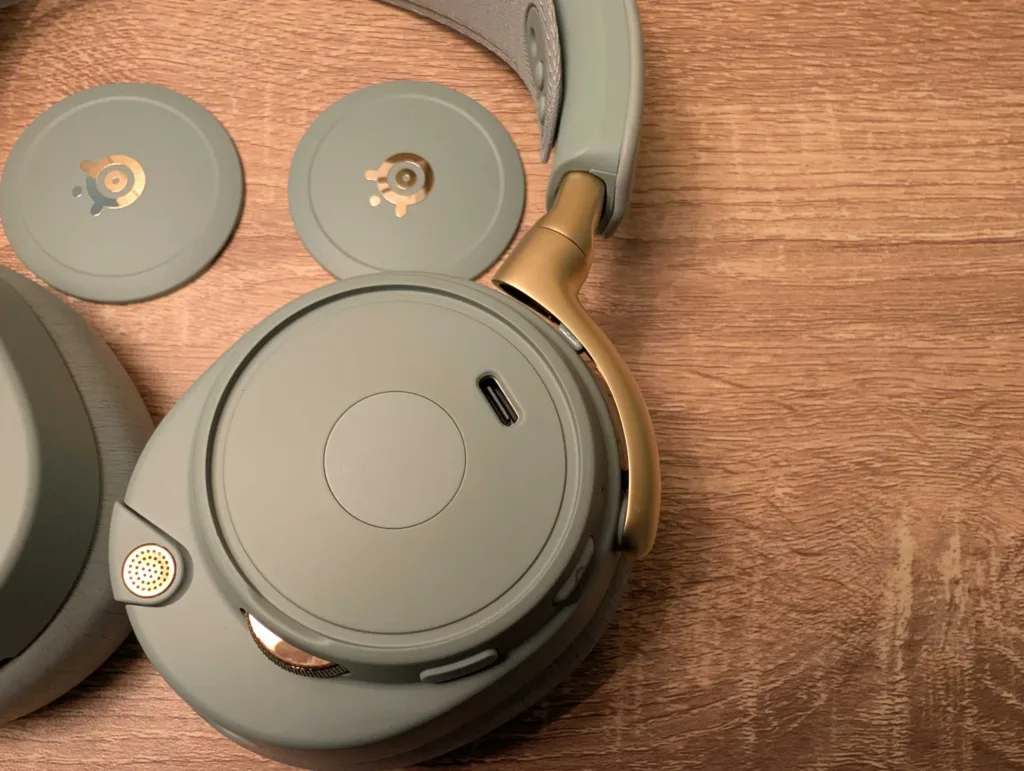
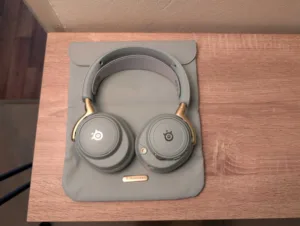
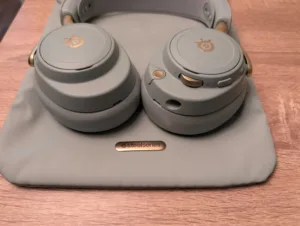
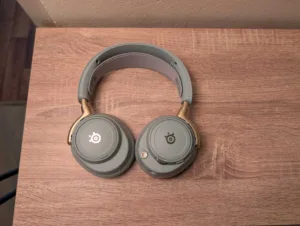
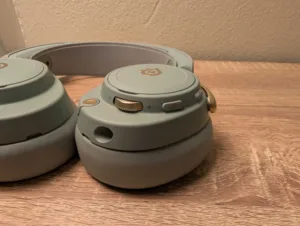
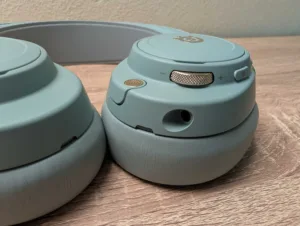
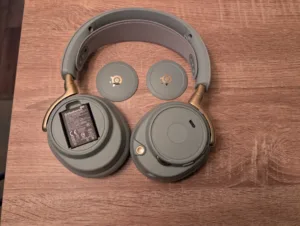
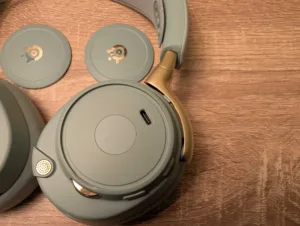
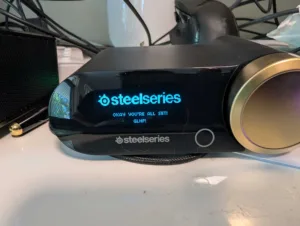
The SteelSeries Arctis Nova Elite gaming headset is meant for a niche audience, one that's not offput by the lofty RRP. If you're not an audiophile with multiple platforms that you use with multiple headphones/headsets, these are likely not the cans for you. But if your budget allows it, and you want a mix of cross-platform convenience plus great audio, the Elites are worth considering. You'll get a gaming headset that also is a viable pair of headphones, with perpetual battery life (and fast charging), all-day comfort, four-source audio, a great headset mic, and a killer selection of game presets.
How we review gaming headsets
We factor in price and connectivity when reviewing a gaming headset, then put it through the motions of testing during hours and hours of gaming and everyday use. This also lets us determine the battery life and extended comfort of a gaming headset, as well as garner feedback on how the microphone sounds when playing games with others.
Everyday testing includes video calls and music playback, and we favour headsets that are more than single-function devices. In fact, the headsets that tend to score the highest are those that marry big sound (including oomph-tastic bass) with all-day comfort. Wired and wireless gaming headsets are generally more closely compared in their respective connectivity categories, except where there’s crossover for things like comfort and sound performance.
Then we take a look at the nice-to-haves. Companion software isn’t necessarily a dealbreaker if it’s average, but it can help elevate the usefulness of a headset. We also appreciate easy-to-reach physical controls for the main functions on a headset.

Related Articles
Honor Pro 400 review: Overdue debut
Respectable but hard to recommend.
TP-Link HB210 Pro review: Pro performance, budget price
Pro mesh promise.

Best NBN 500 plans
Australia's first speed-boosted NBN plans have arrived.



