
Small screen, endless ambition.
Google Pixel 10a review: This feels familiar

Google Pixel 10a

Display
6.3-inches 160mm Actua
Processor
Google Tensor G4
RRP
Starts at $849

 5 min read
 Smooth performance
Amazing battery life
Solid cameras for this price range
Smooth performance
Amazing battery life
Solid cameras for this price range 
 Basically the same phone as last year’s Pixel 9a (which is now $50 cheaper)
 Usually, Google’s “a” variants of its Pixel phones represent great value. This year it’s a bit different. While the Pixel 10a is still great compared against its direct competitors, it has a fatal flaw: it's almost identical to last year’s Pixel 9a, which you can now pick up for $50 less than the 10a. And I'm not sure grabbing the newer version is worth even that small amount extra.
How much does the Pixel 10a cost in Australia?
Starts at $849
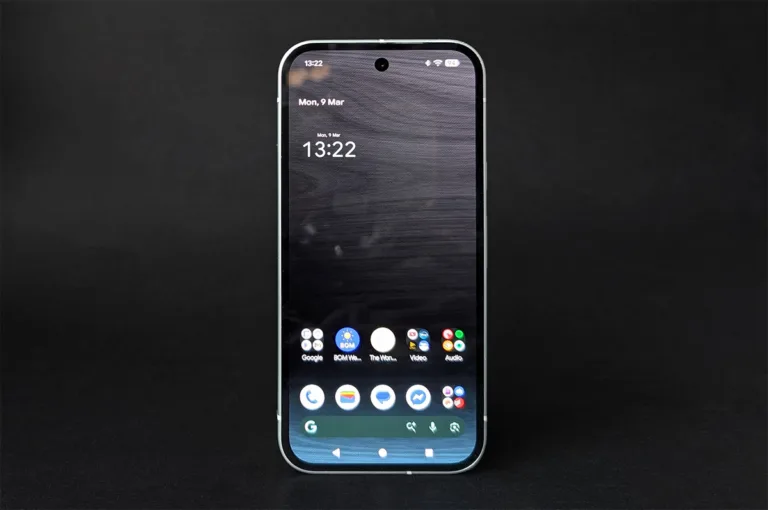
The Pixel 10a starts at $849 for the 128GB model or you can grab the 256GB variant for $999. You can also grab it on a repayment plan from Optus or Telstra, but Vodafone currently isn’t offering it.
Optus has a bit of a wild deal, available until March 22. New and returning customers can order a Pixel 10a on a 36 or 24-month plan and get a free Pixel 9a. The 9a can take 2–3 weeks to arrive and is only available in the Obsidian colour with 128GB storage, but that’s still a $799 phone for free. And, as we’ll discuss, the 9a is basically the same phone as the 10a, so this is pretty close to a 2-for-1 offer when it comes to the handset.
Telstra’s deal is less appetising, but still worth noting. The telco is only selling the 128GB version of the Pixel 10a, but with a $250 discount off RRP if you stick around for a full 36 or 24-month repayment term. Telstra's offer is available till March 23 and isn’t restricted to new or returning customers.
Here’s a look at the cheapest Pixel 10a plans from Telstra and Optus:
Given much of the Pixel 10a’s appeal comes from its pricing (compared to non-Google mid-range phones), you might consider buying it outright and signing up to a cheaper SIM-only or prepaid plan, instead. Here’s a few of the more popular options in our database right now:
Quickly comparing the Pixel 10a and 9a
On a day-to-day basis, there’s little-to-no difference between the Pixel 10a and Pixel 9a.
Battery charging is better, but if you charge your phone nightly and don’t spend hours playing hardware-demanding games, you likely won’t notice. The Pixel 10a also adds Satellite SOS in Australia, meaning you can call emergency services while out of cellular range. This is unlikely to factor into your purchasing decision, but it will be important for a small subset of buyers.
And that’s pretty much it for the big ticket items. Both phones are as fast, look alike, are IP68 water and dust resistant, have the same storage options, and even feel the same in the hand. They have the same cameras, chipset, and Pixel software features. The display is almost identical, with the only difference on paper being an 11% boost to peak brightness for the 10a. Given the Pixel 9a is now around $50 cheaper than the 10a, Google is asking a lot of its customers here.
Cameras
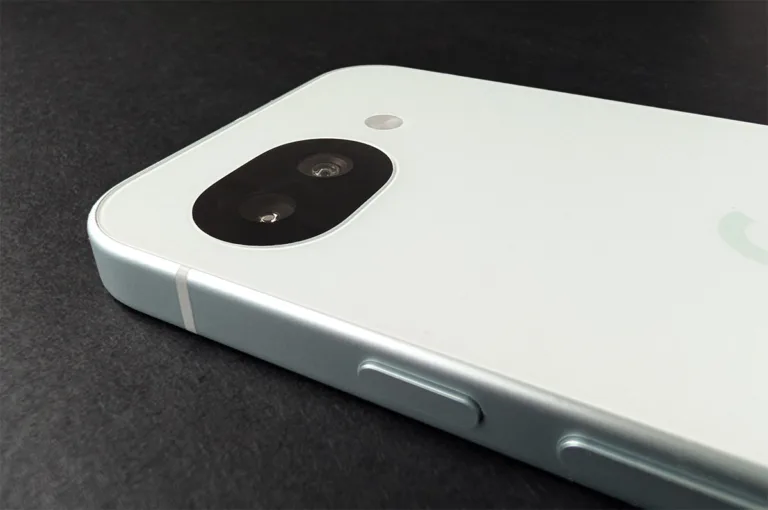
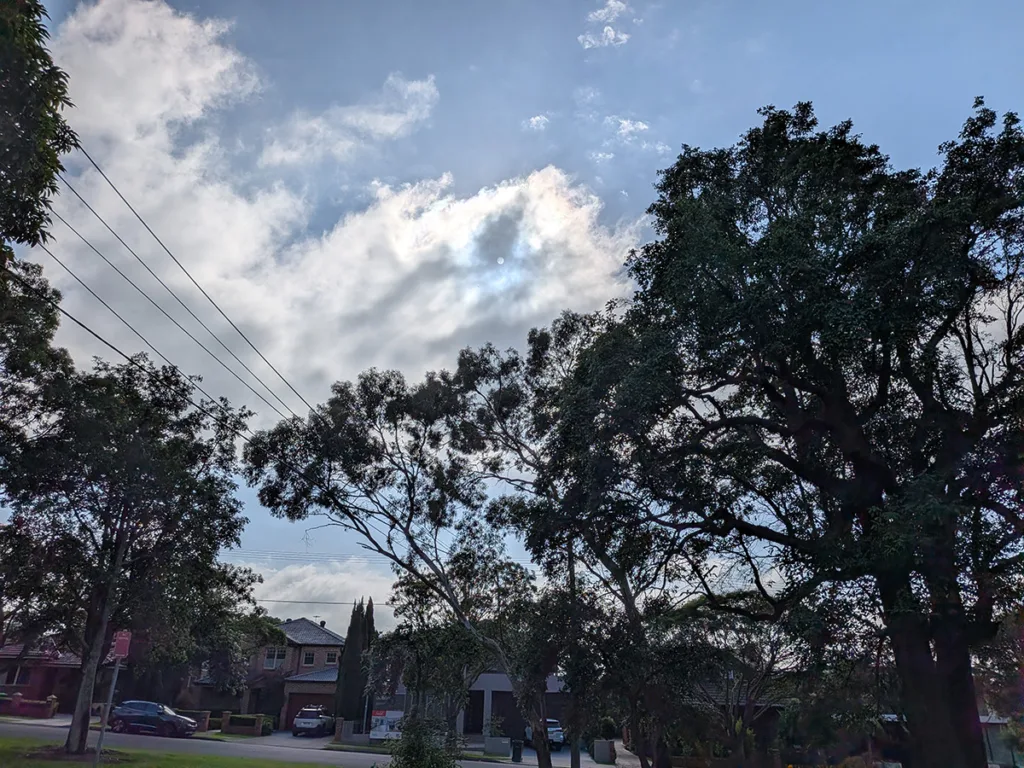
The Pixel 10a cameras are close to top-tier for this price range. During the day, photos are clear and colour accurate. Colour accuracy is actually not that common in this day and age of calculated over-saturation, but it's always refreshing to see.
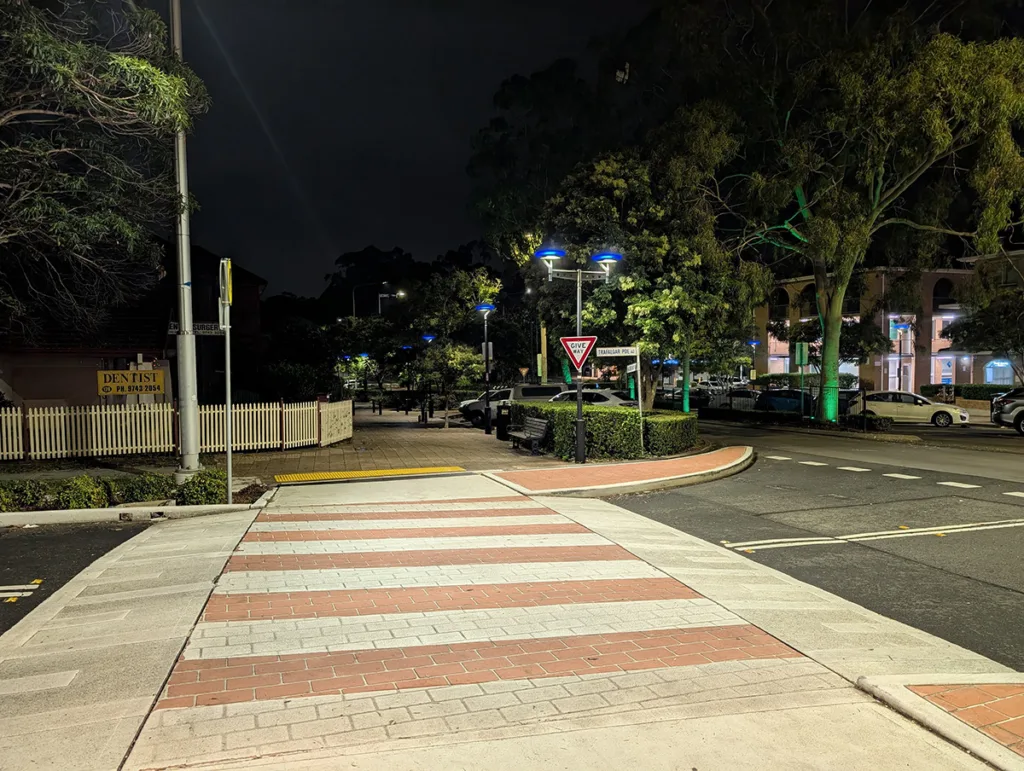
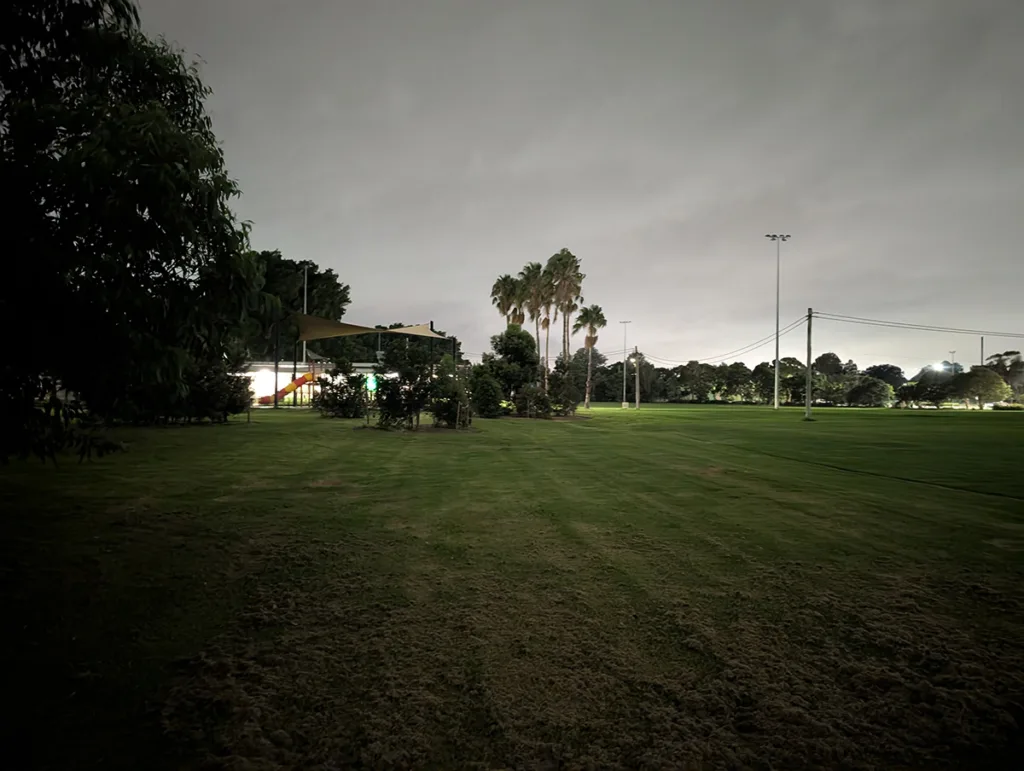
Photos at night are pretty good on well-lit streets. You can get some slight colour distortions in the halos around bright lights, but for the most part, shots are fast with good detail. Night mode takes a little longer than on more-powerful handsets. Your patience will usually pay off, but there's a definite lighting limit – e.g. a poorly lit street will come out with solid detail (as long as nothing moves too fast), but an unlit expanse of park on a cloudy night is beyond the Pixel 10a's capacity. Night mode selfies are pretty grainy, but that's to be expected for this price range.
The 13MP ultrawide lens is handy for quickly zooming out and works well, despite its low MP count, though you'll be relying on the main 48MP lens for most shots. And the phone excels at extreme close-ups, particularly during the day.
Overall, the Pixel 10a's cameras are fantastic for a phone starting at $849 – but here's where I once again remind you the Pixel 9a offers the same experience for $50 less.
To see what the camera on the Pixel 10a can do fresh out of the box, check out the image gallery below.





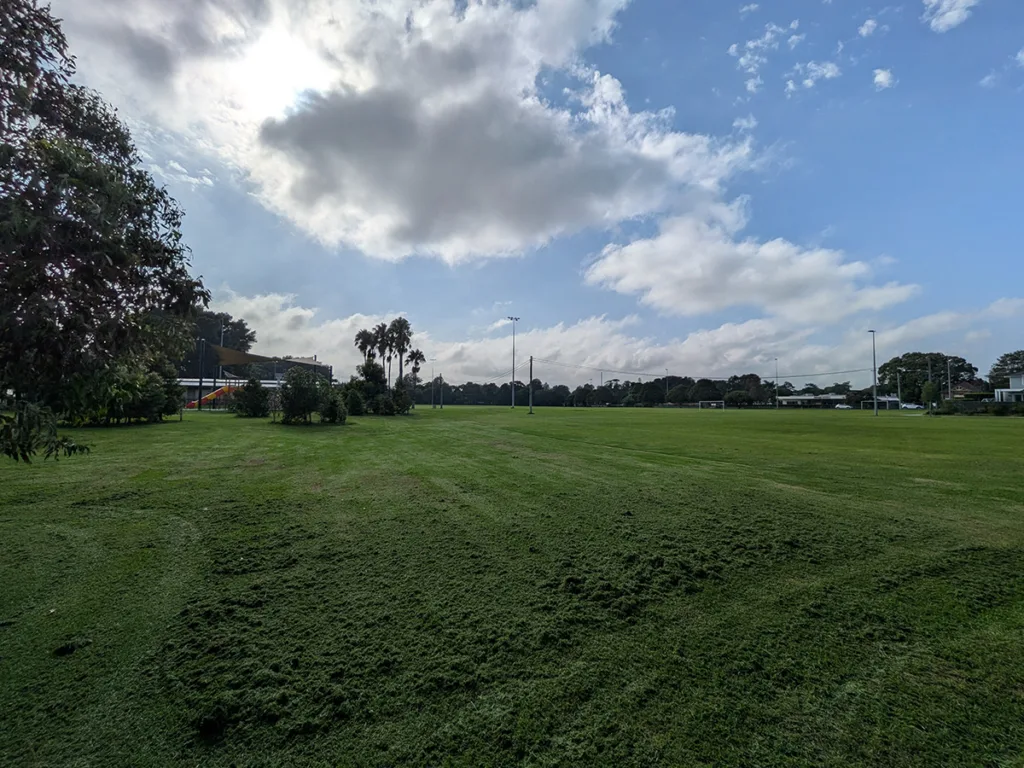
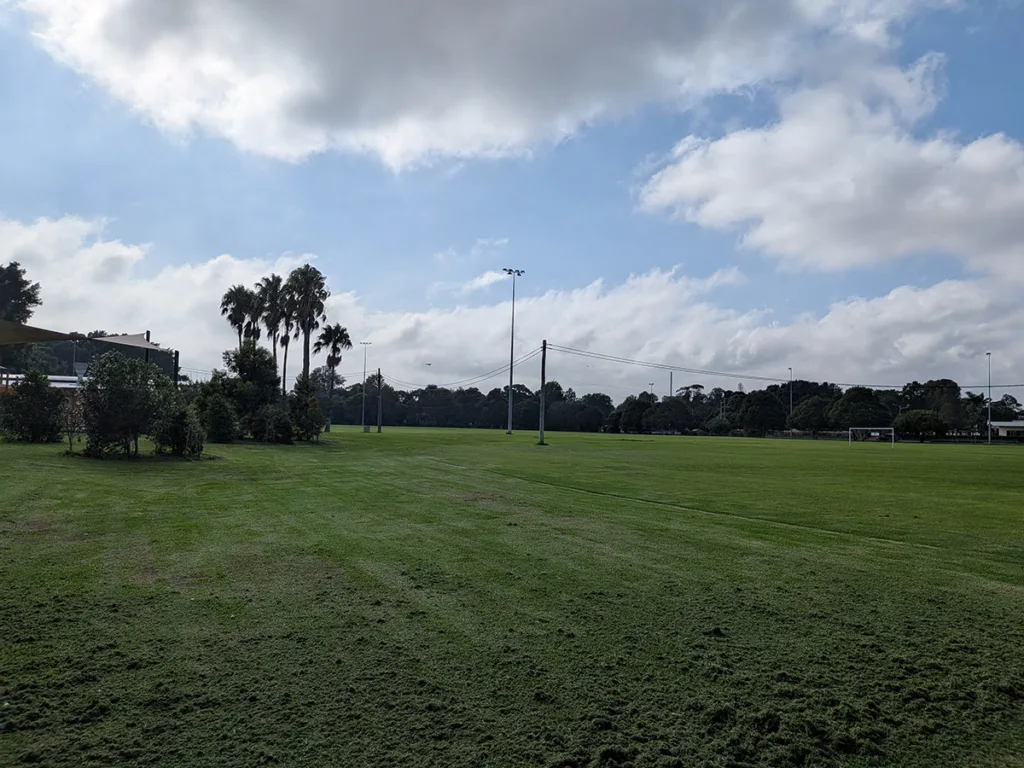
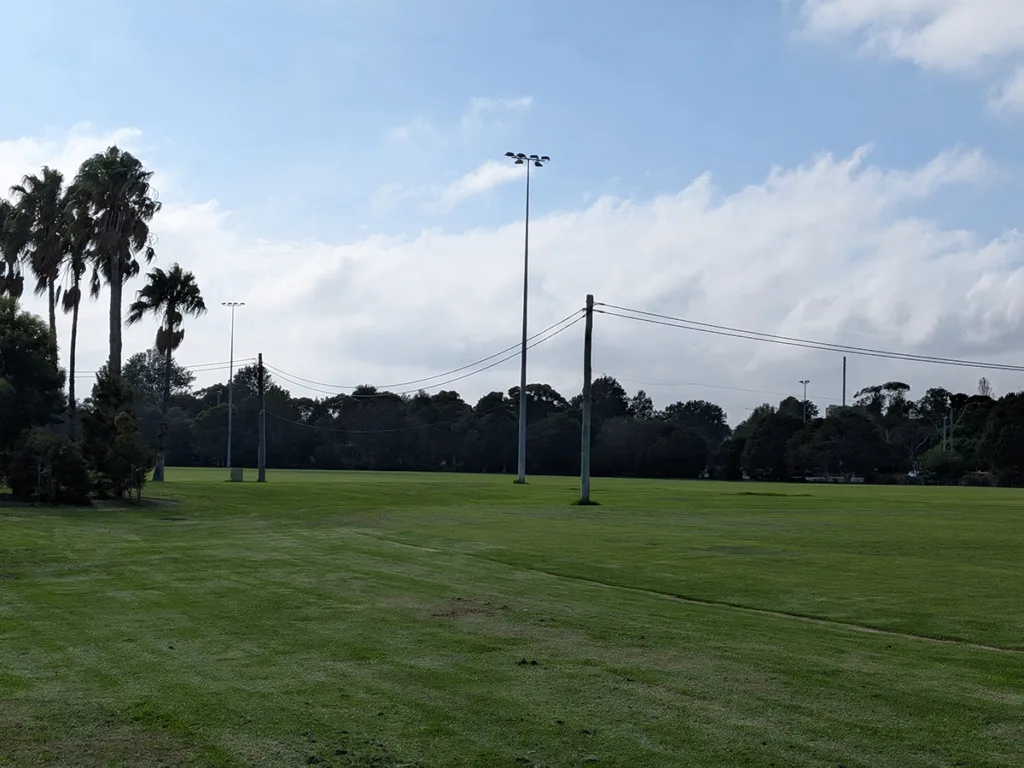
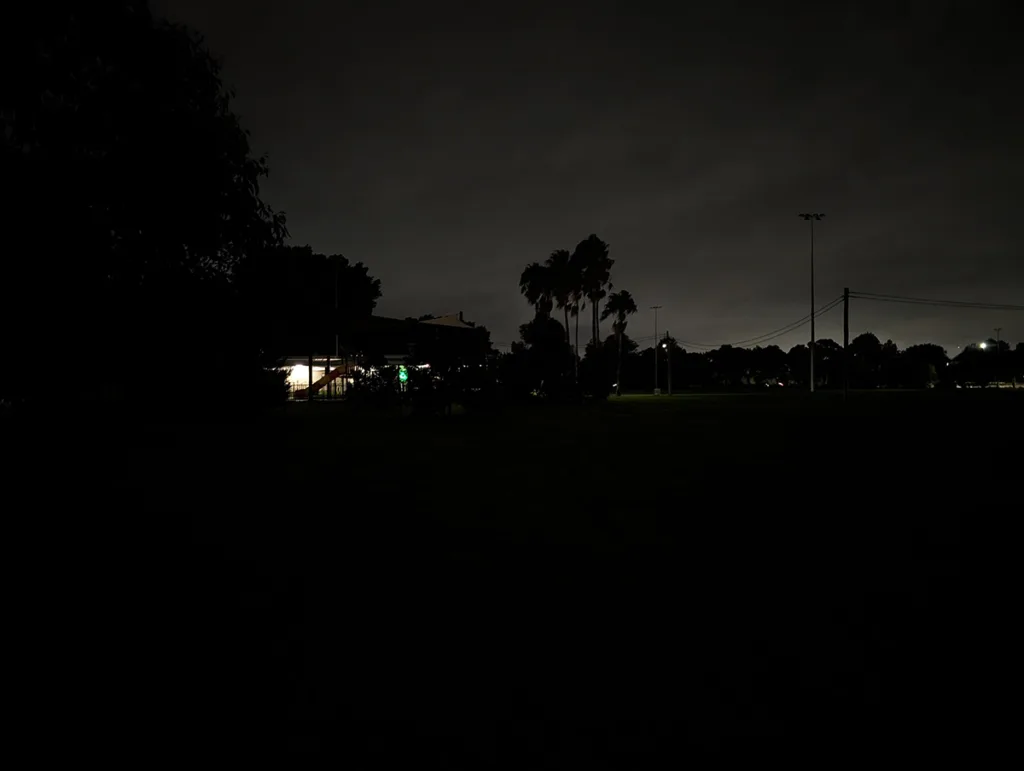













Performance and battery
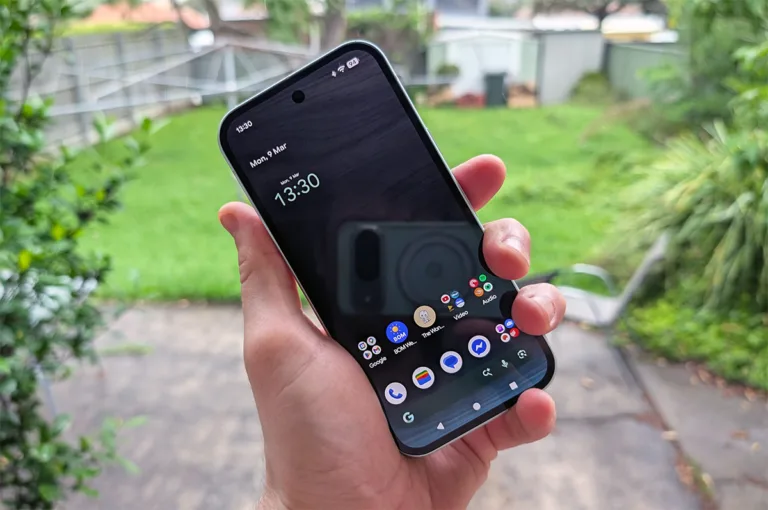
One of the biggest boosts for the Pixel 10a is charging speed – and I'm using "biggest" generously here. Wired charging is up to 30W vs. last year’s 23W and wireless is 10W vs. 7W. This should translates to less time needed plugged in or on your charging mat, but given it has the same hefty 30+ hours of battery life as the Pixel 9a, most of the time you'll just be charging it when you sleep, anyway. It’s always nice to see battery improvements year-on-year, but this particular one shouldn’t be a headline upgrade.
Both phones also have two storage options: 128GB ($849) and 256GB ($999).
Performance is smooth and snappy for this price range – it even runs some decent PC ports like Dredge without getting too hot. And streaming games feels no different than on premium phones.
This was all expected because the Pixel 10a is running the same Tensor G4 chipset as the 9a, which is disheartening and hopefully not indicative of future releases. Each year, Google’s Pixel “a” phones have generally come with the same chipset as their more-expensive siblings. It's been one of the biggest draw cards for the product line and it'll be disheartening to see that change.
Features and design
As you’d expect Gemini integration is still pretty overt, particularly when it comes to image editing. The “reimagine” feature isolates the subject of a picture with varying success and will change the rest based on your prompts. But after some initial low-effort lols, you’ll probably forget it’s there.
Magic eraser is a bit more useful for editing photos, as is photo unblur. These work ok, though the former often fails or requires multiple attempts to get something decent.
As a smart assistant, Gemini is improving, potentially even competing with the outgoing Google Assistant in terms of its ability to parse and respond to voice prompts. This is just as true for anything using Gemini, but at least it’s not a step backwards in terms of functionality anymore – it merely burns significantly more energy in some far-off data centre for, in my books, the same day-to-day convenience.
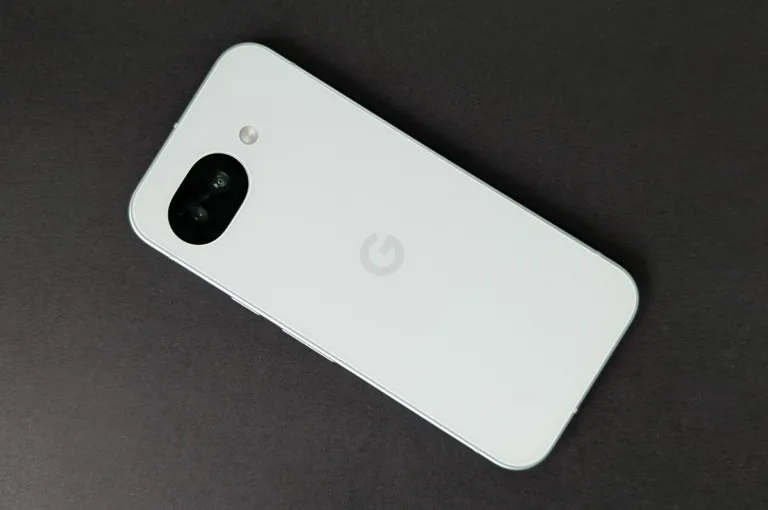
For my tastes, the physical design is best in class for the lower mid-range (along with the Pixel 9a). The sides are aluminium, which helps give it a premium feel. The rear plate is plastic, which I actually prefer to glass – it’s lighter, not prone to shattering, and if you use a case, then who cares what it looks or feels like? Even if you don’t use a case, the plastic has a nice matte finish that won’t show up fingerprints or scratches as easily as something more glossy.
Sadly, there’s still no built-in magnets for Pixelsnap compatibility or other magnetic chargers and accessories, but you can doubtless find a case that adds this feature.
Is the Google Pixel 10a worth buying?
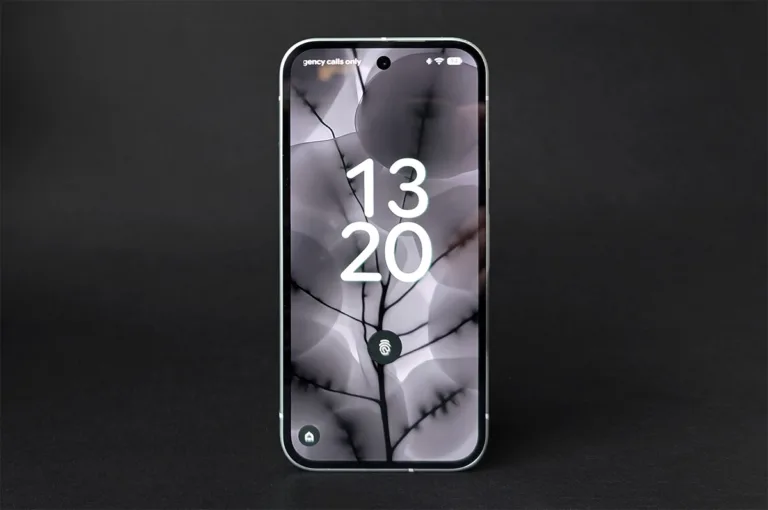
While the Pixel 10a features some small improvements over last year, they’re not enough to justify paying almost $50 extra over the almost-identical 9a.
Don’t get me wrong: the 10a is a great phone in its category and would be an automatic recommendation, but for the teensy fact you can get basically the same phone for $50 less in the form of last year's model. Just keep in mind that, if you do, you’ll only receive six years of Android OS support instead of the full seven Google guarantees from each handset’s release date. If you plan on using your phone for seven years, the $50 is probably worth getting the extra year out of it, but most people upgrade after at last four or five.
If any of the minor changes sound like they’re worth $50 to you, go ahead and grab the Pixel 10a. Otherwise, save yourself some money and buy a 9a at its new discounted RRP.

Related Articles
LG CineBeam S Projector review: Part of the story
Nothing bad to say about this budget banger.
Nothing Phone 4a review: Making phones fun again
Nothing bad to say about this budget banger.
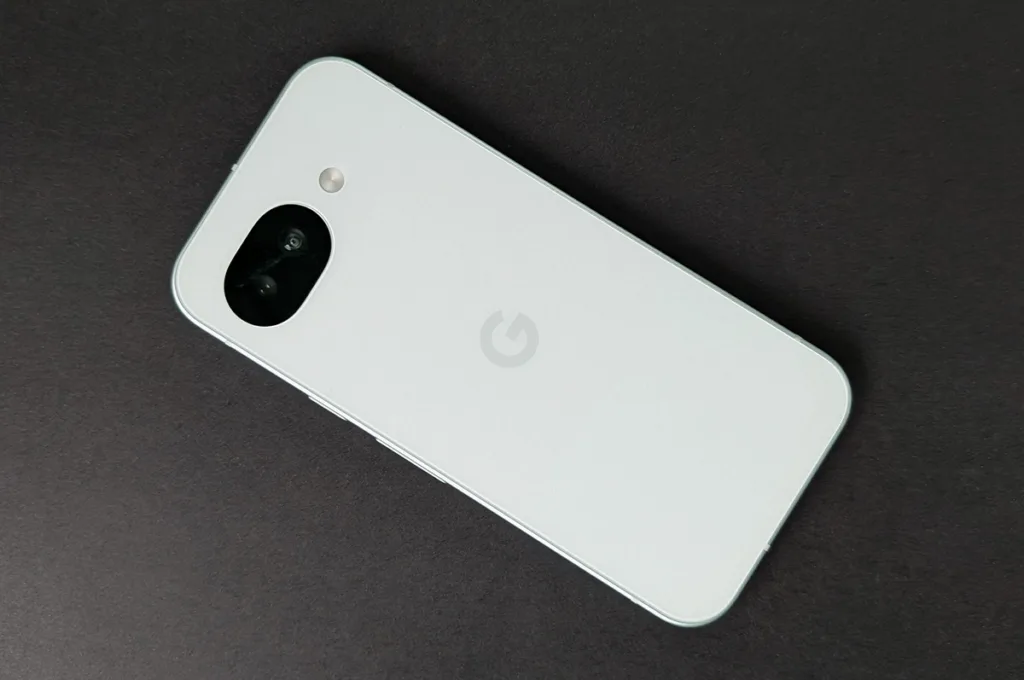
Google Pixel 10a review: This feels familiar
Small screen, big ambition.

The best Satellite NBN Internet plans available in Australia
Don't get ripped off...



